PRD: AI-Native iOS: Orchestrated Task Completion via Siri Agent
Context
AI is now everywhere in our lives, so knowledge gap and accessibility are no longer the most prevalent issues. Instead, how we interact with AI becomes the most important component.
Problem Statement
In traditional mobile ecosystem, actions are app based. Users need to navigate from app to app to accomplish a particular task. This means they need to keep track of a series of actions and how each action corresponds to a certain app. AI is embedded within each individual app, but there is no single orchestrator that ties everything together. User is still the bearer of this coordination tax, thus increasing their cognitive load. Thus, I want to design an AI-Native iOS ecosystem, such that we can directly address and reduce this coordination tax.
Personas and Scenarios
-
Emily, Female, 25
Emily wants to plan a trip.
In a traditional mobile environment, she has to:
- Check her calendar
- Check her bank account
- Look through different sites to find flights and book one
- Look through different sides to find lodgings and book one
- Look through different recommendations to find activities and plan an itinerary
In an AI-assisted mobile environment, she has to:
- Check her calendar
- Check her bank account
- Ask ChatGPT or Claude to look through different sites to find flights, then book one herself
- Ask ChatGPT or Claude to look through different sides to find lodgings, then book one herself
- Ask ChatGPT or Claude to look through different recommendations to find activities and generate an itinerary
The need: Even with AI embedded in each step, she still has to navigate from task to task, thus paying the coordination tax
In an AI-native mobile environment:
The Solution: With Siri as agent, Emily can directly ask Siri to plan the trip, and Siri will take care of everything. Emily simply needs to give her preference, then review and book.
-
Jasper, Male, 67
Jasper is trying to learn how to use an iPhone, specifically on how to navigate certain apps. For example, he might want to sell some of his stocks in Fidelity, but has trouble figuring out how.
In a traditional mobile environment, he has to:
- Search online for tutorials, which can be outdated or there might be none
- Follow the tutorials if they exist, which can be outdated
- Repeat 1 and 2 until he figures it out
In an AI-assisted mobile environment, he has to:
- Ask ChatGPT or Claude for guidance and steps to following (which can be outdated)
- Follow the steps, which might not be accurate
- Repeat Step 1 and 2 until he figures it out
The need: While AI tools reduced the wild goose chase for tutorials and instructions, Jasper still needs to try again and again until he figures it out. He does not receive any real-time guidance from anyone, and is still on his own.
In an AI-native mobile environment:
The solution: Jasper can tell Siri agent his needs, and Siri will navigate to the app and perform his tasks for him.
-
Lola, Female, 35
- Lola still prefers using individual apps and navigating through them herself
- She can simply swipe left or right to use it or disable it.
- The feature is thus always backward compatible.
Goals & Success Metrics
Goal 1: Reduce coordination tax for multi-step tasks
- Success looks like: users completing multi-step cross-app tasks without manually switching between apps to relay information
- Hypothetical metric: reduce number of app switches per task by 50%+ compared to manual or single-app-AI workflows.
Goal 2: Lower the barrier for less tech-confident users
- Success looks like: users like Jasper completing mobile native action (including but not limited to using an app, figuring out how to perform a particular task on iOS platform) via natural language, without needing external tutorials or trial-and-error
- Hypothetical metric: reduce "task abandonment rate" (user gives up before completing the action) for first-time flows
Goal 3: Maintain trust through transparency and control
- Success looks like: users feel informed and in control at each handoff point, not surprised by actions taken on their behalf
- Hypothetical metric: % of agent-suggested actions confirmed without modification vs. edited/rejected — a high edit/reject rate signals a trust or accuracy problem, while a low rate signal/YOLO mode enabled signals a higher trust level.
Goal 4: Preserve backward compatibility and opt-out
- Success looks like: users can simply not use the agent layer entirely with no loss of core app functionality or disruption in their user experience.
- Metric: opt-out rate — expected nonzero, but should not trend upward over time (rising opt-out == declining trust or utility)
Non-Goals / Out of Scope
- Not building a general-purpose AI assistant — Siri Agent orchestrates existing app actions toward user-defined tasks; it's not a knowledge/conversation tool competing with ChatGPT or Claude directly
- Not cross-platform — iOS/Siri-specific for v1, not Android or web
- Not autonomous high-stakes actions without confirmation — the agent can plan and suggest (bookings, purchases, transactions), but performing irreversible or high-stakes actions require explicit user confirmation before execution — a permanent boundary, not a v1 limitation to relax later
- Not redesigning individual apps — Conductor operates on top of the existing app ecosystem via permissions/access, not by requiring third-party apps to change their own UI or logic
- Not eliminating manual app use — direct app interaction remains fully available and unaffected; Siri Agent is additive, not a replacement layer
User Flow
- Invocation — User swipes to invoke Siri agent; interface is left current summary screen, non-disruptive to existing context
- Task statement — User states a goal in natural language
- Planning — Agent will plan based on user requirements, mapping them to concrete actions.
- Information gathering — Agent identifies what it needs to fulfill the goal and gathers that from the users sequentially.
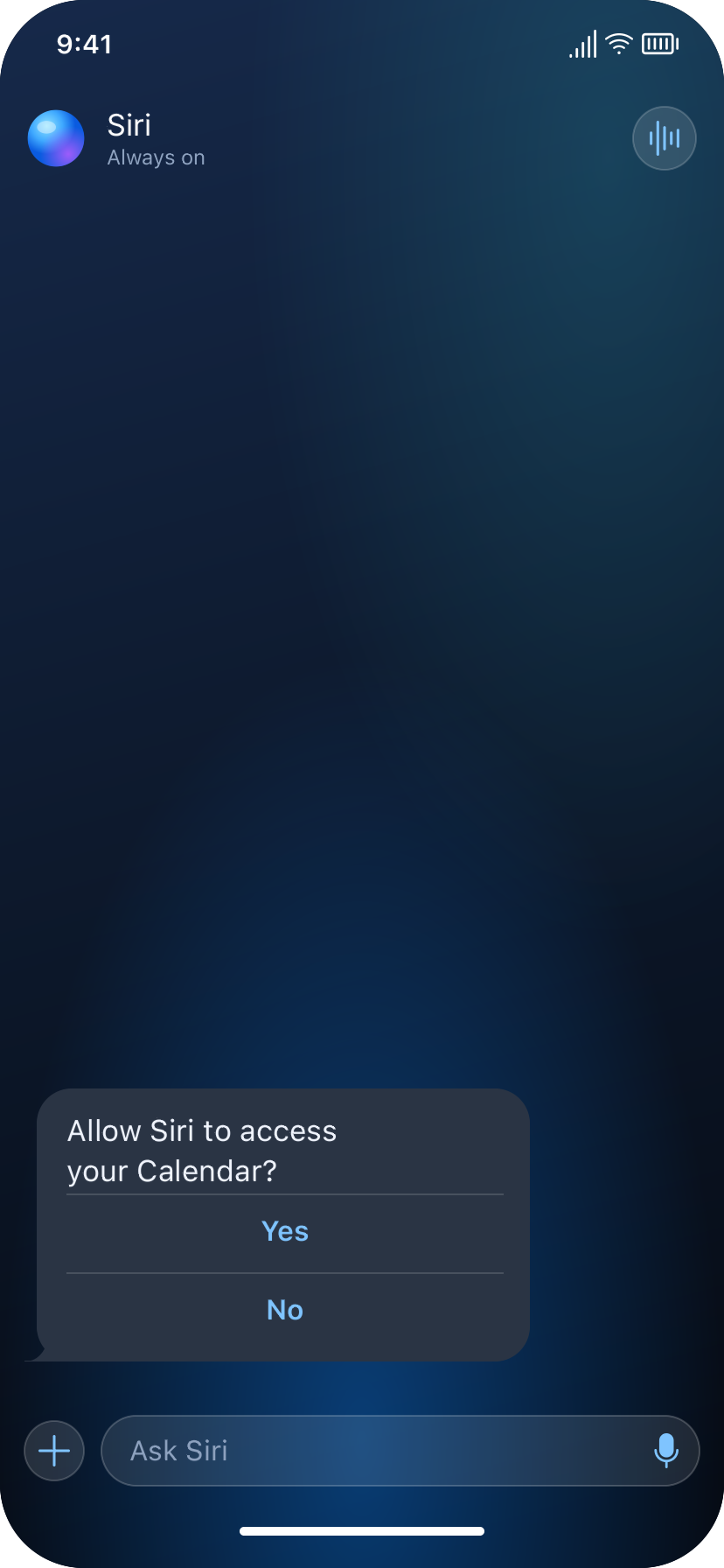
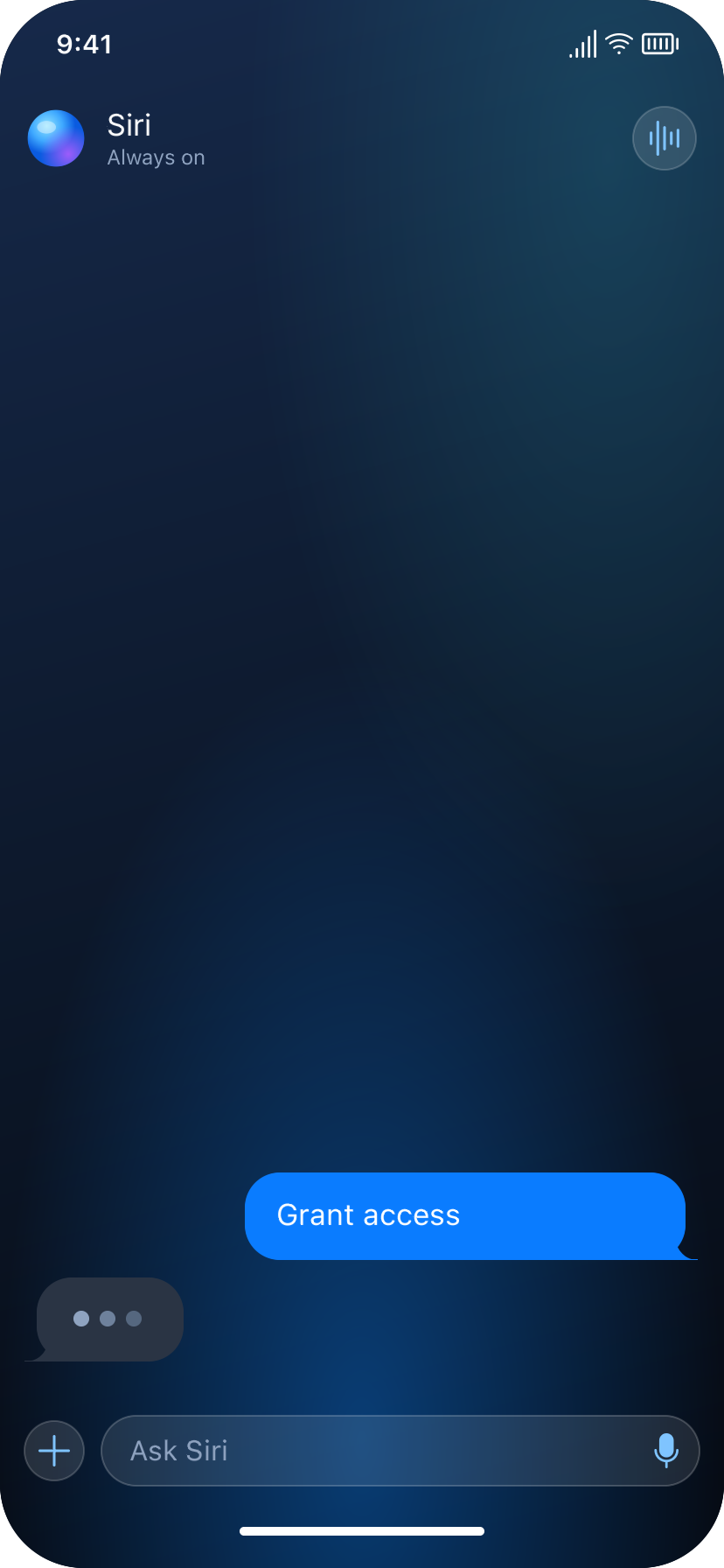
- Permission checkpoints — At each access request, user can grant or decline.
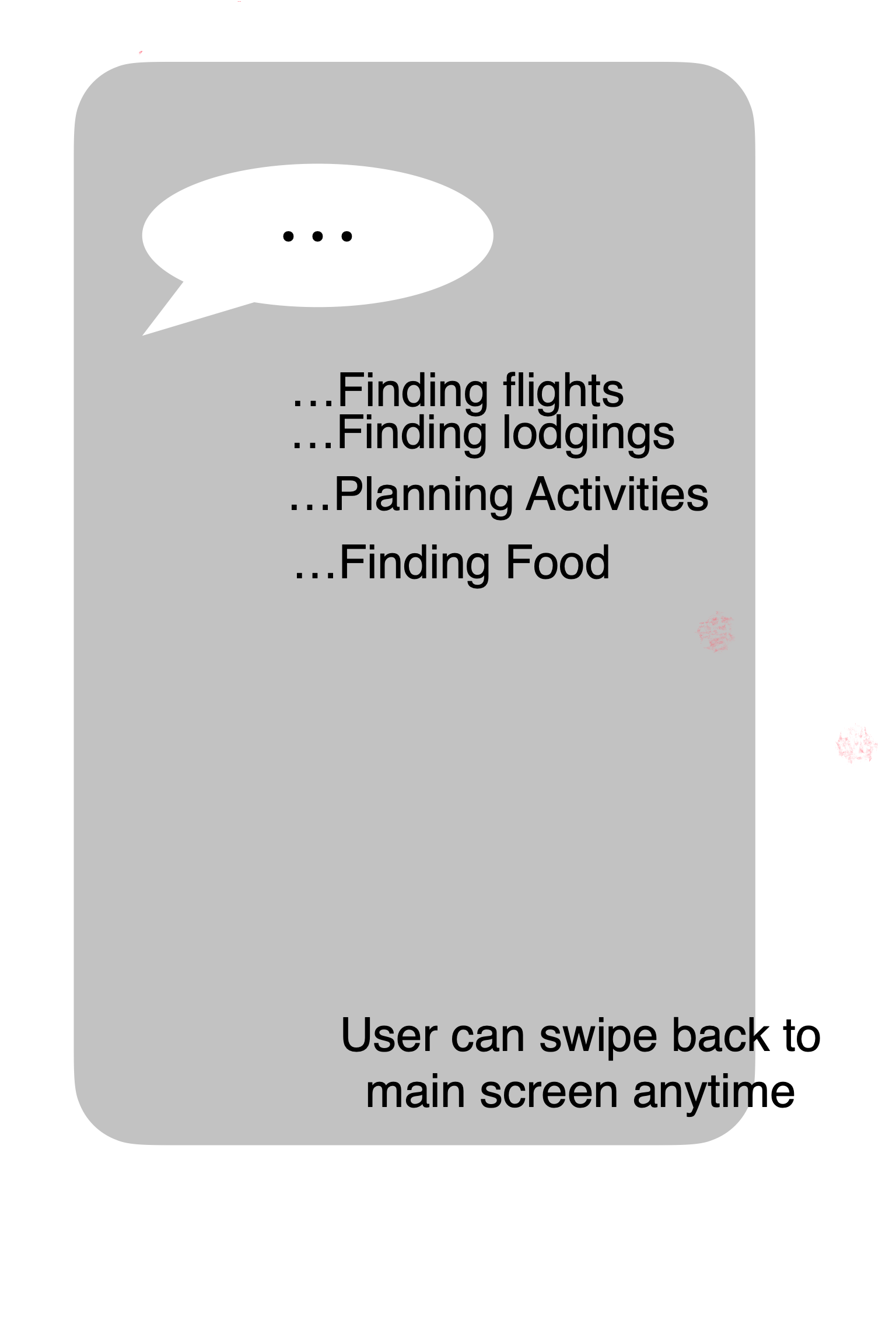
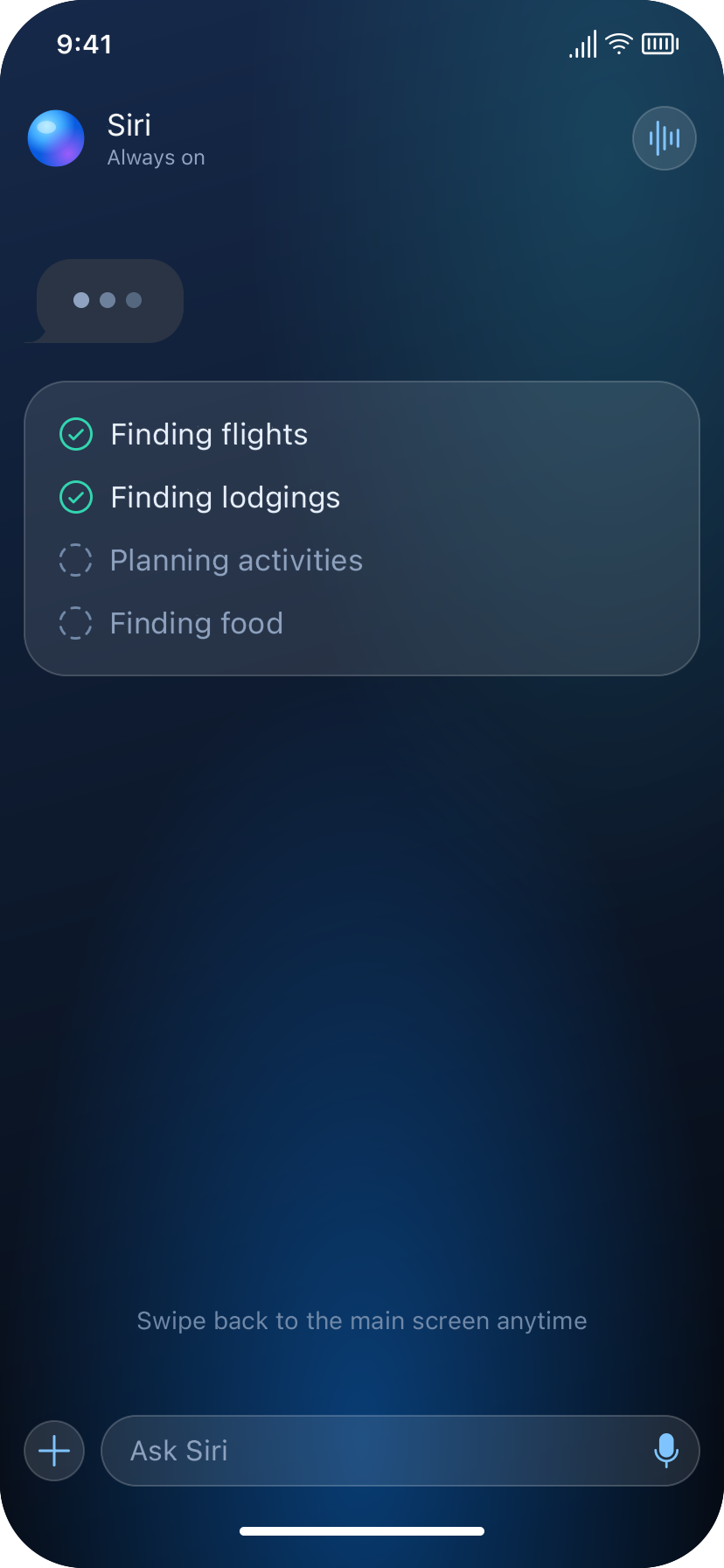
- Delegation to sub-agents — Once inputs are gathered, a Planning Agent coordinates sub-agents in parallel, surfaced to the user as visible progress states.
- Review and confirm — User is presented with:
- Action execution — Upon receiving action permission from the user, Siri Agent will perform each task on user's phone, asking for user permission as needed.
- Exit — Upon goal completion, user can swipe back to the main screen.
Example Flow 1: Trip Planning (Emily)
- Task statement: "I want to plan a trip to Chicago. Help me."
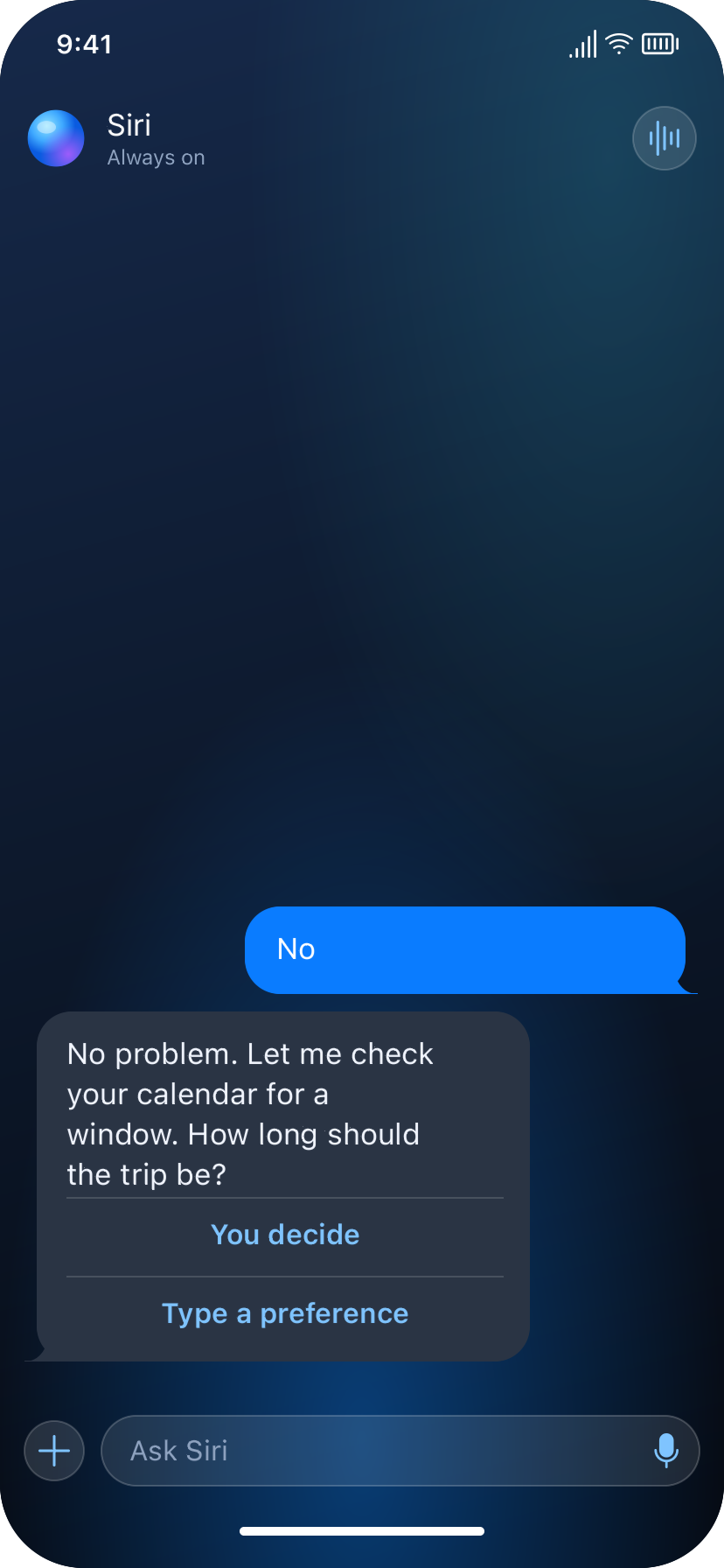
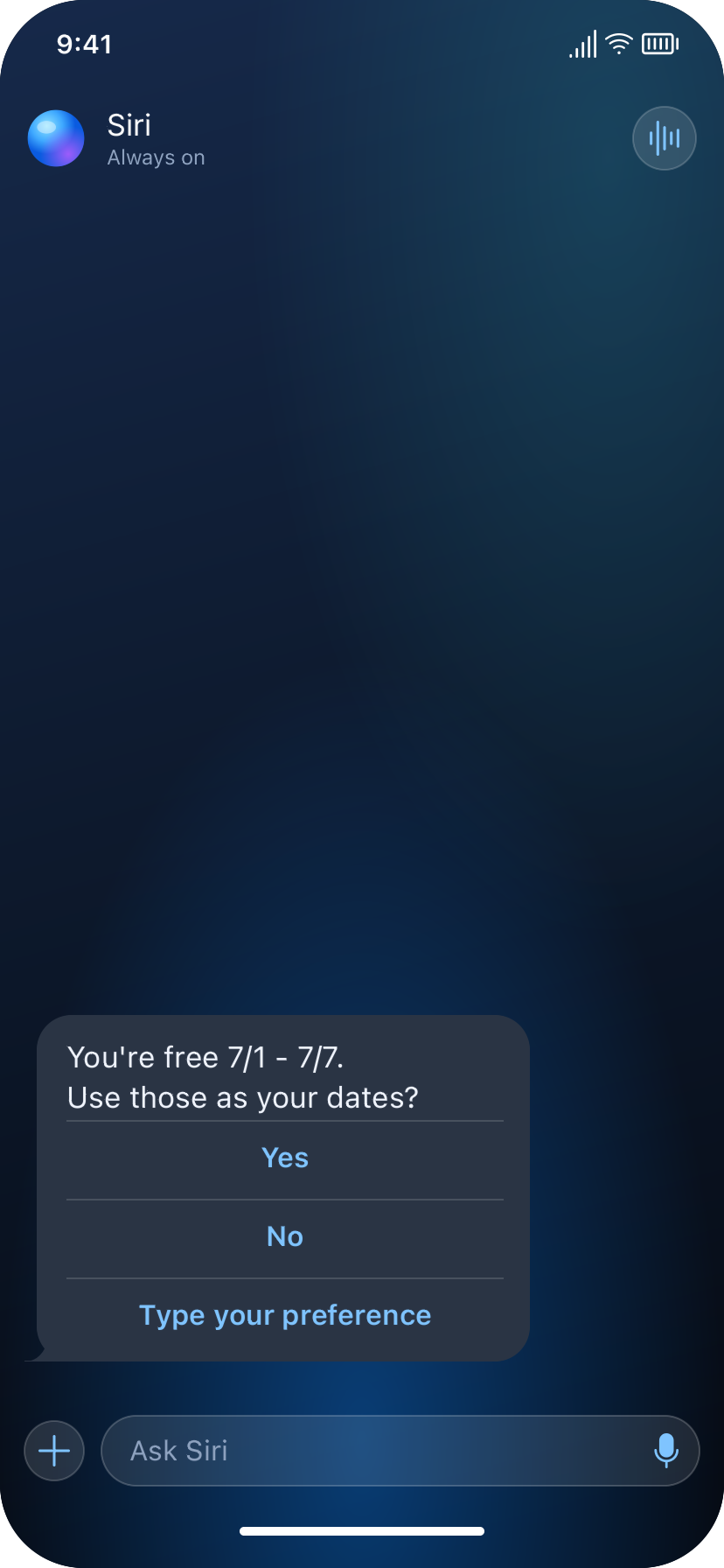
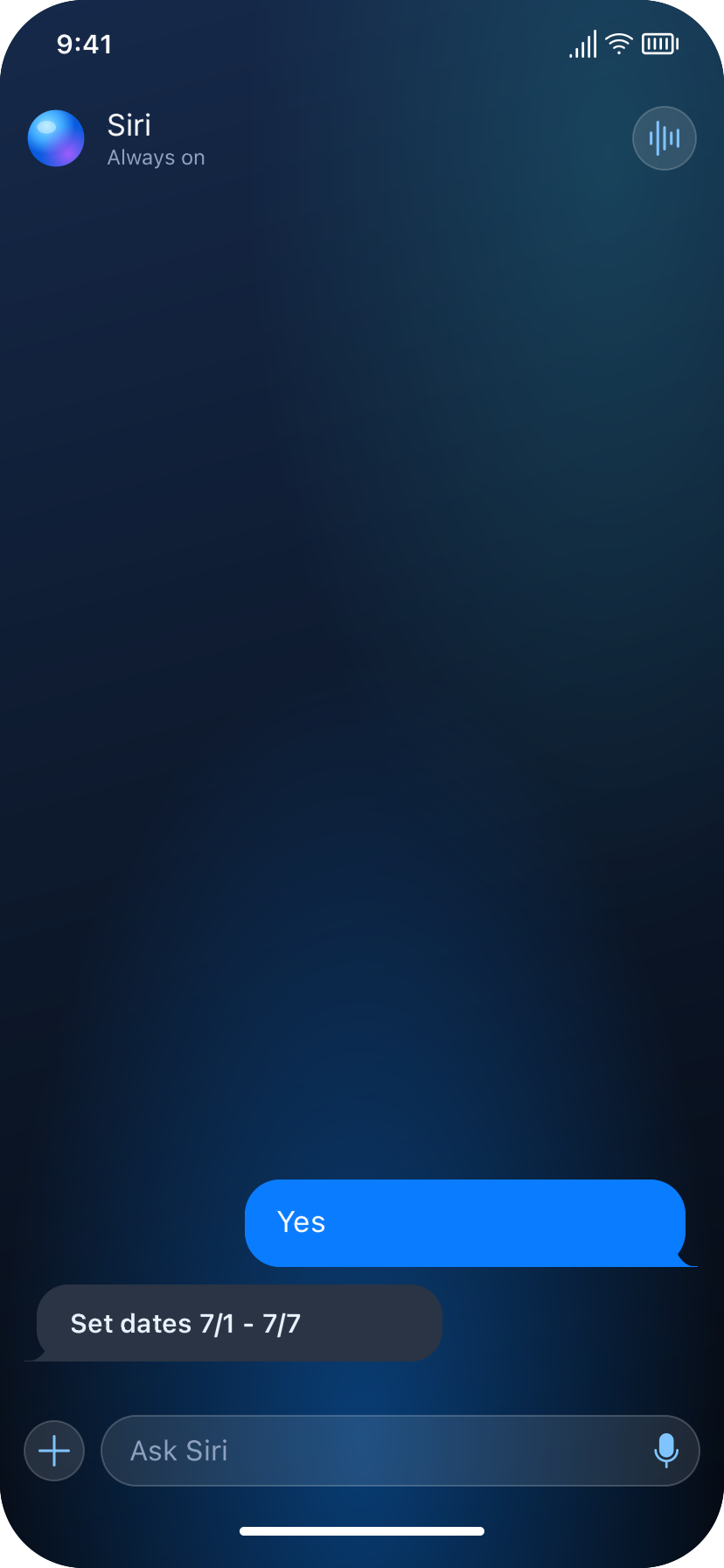
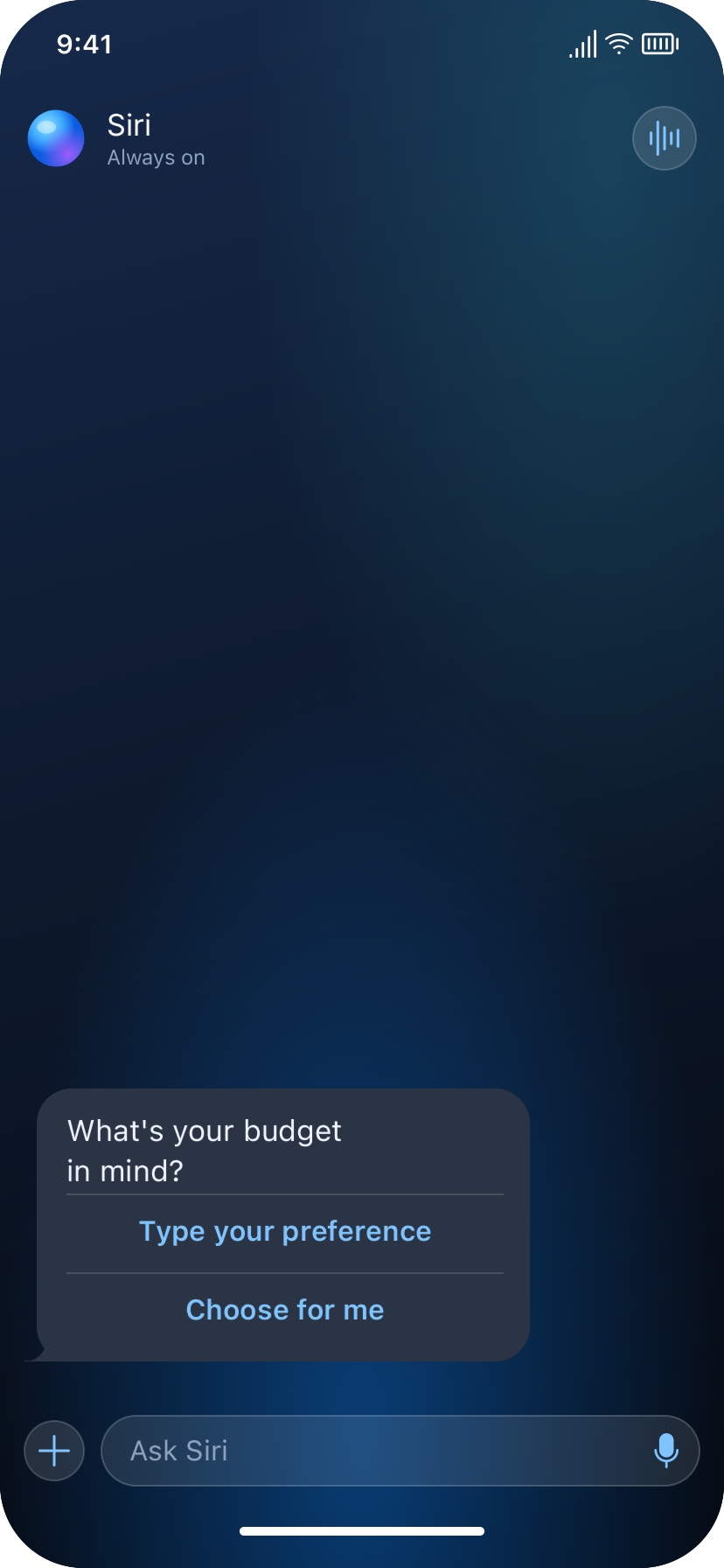
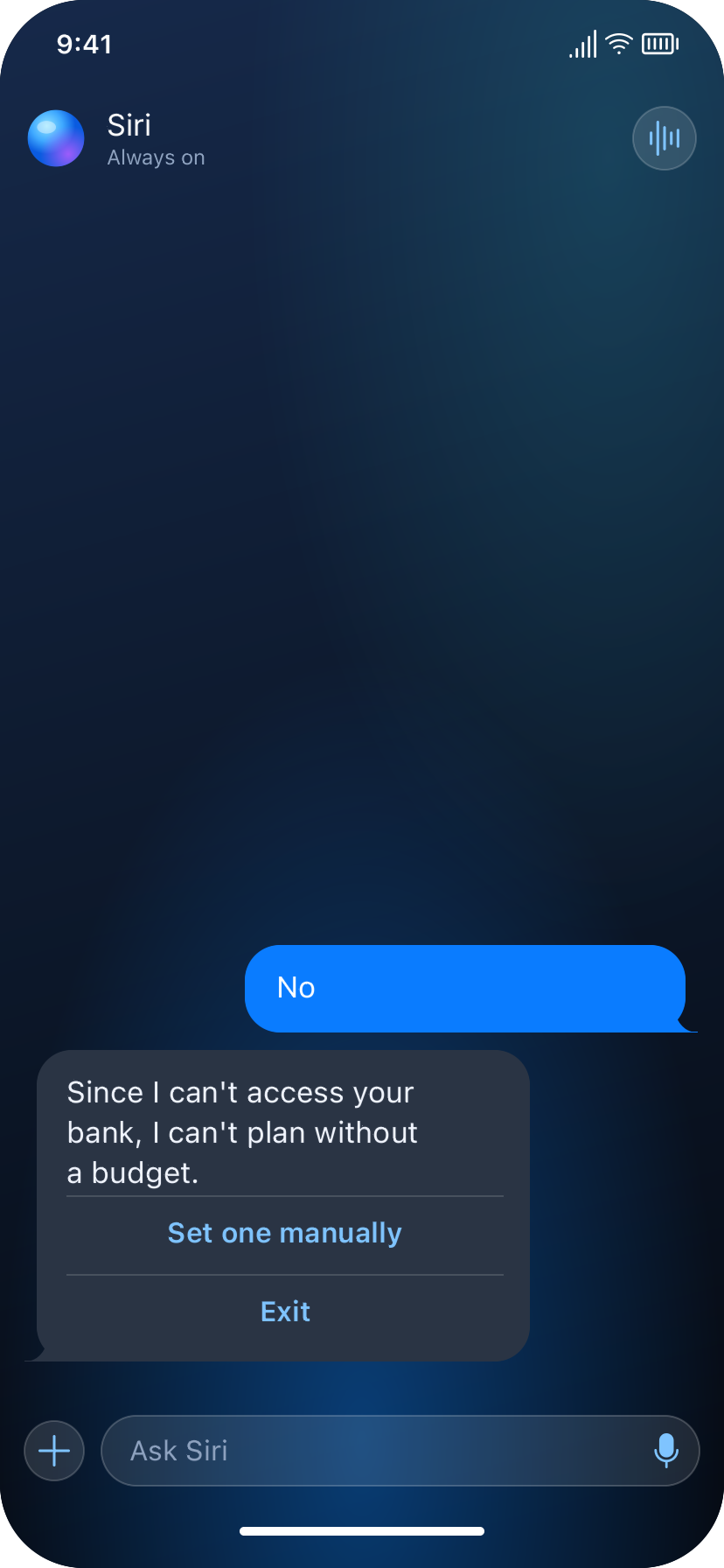
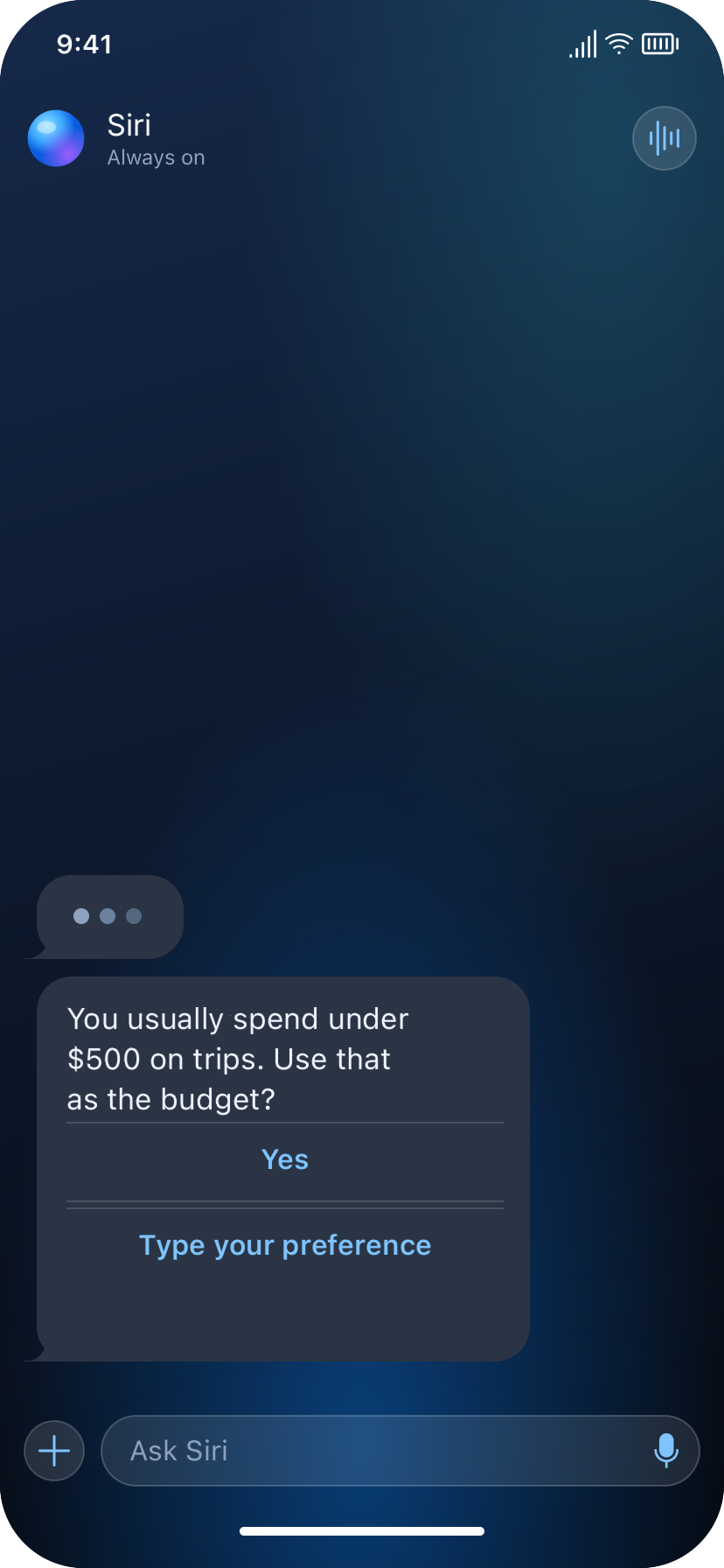
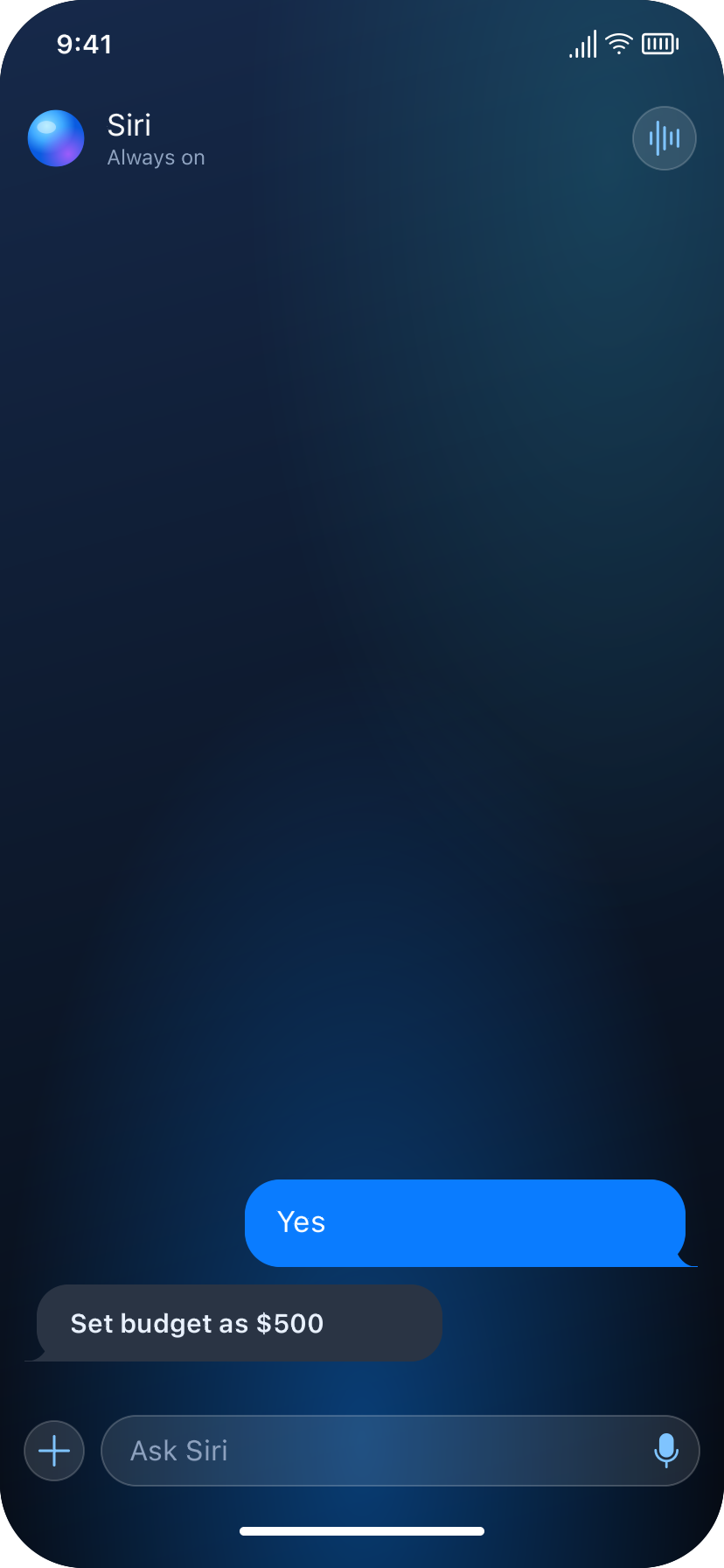
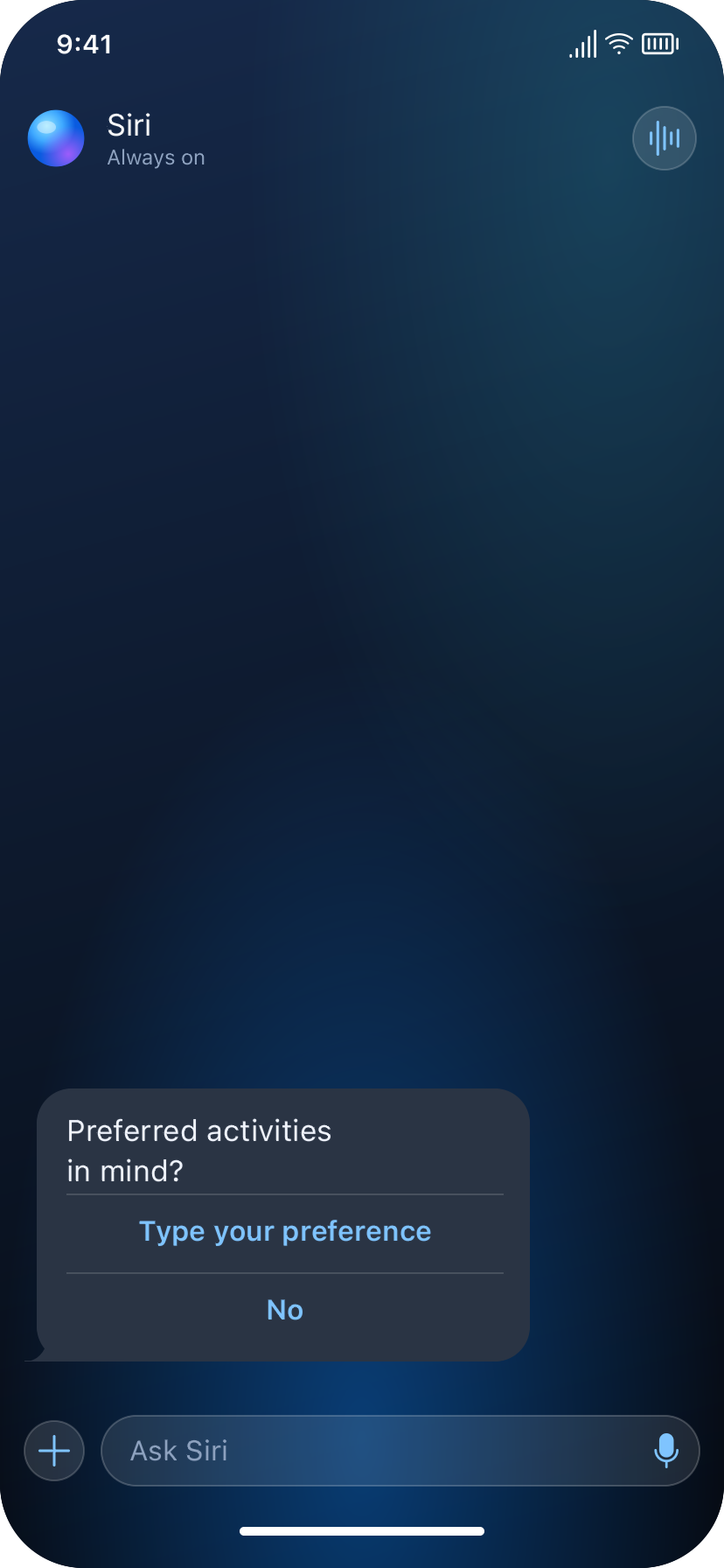
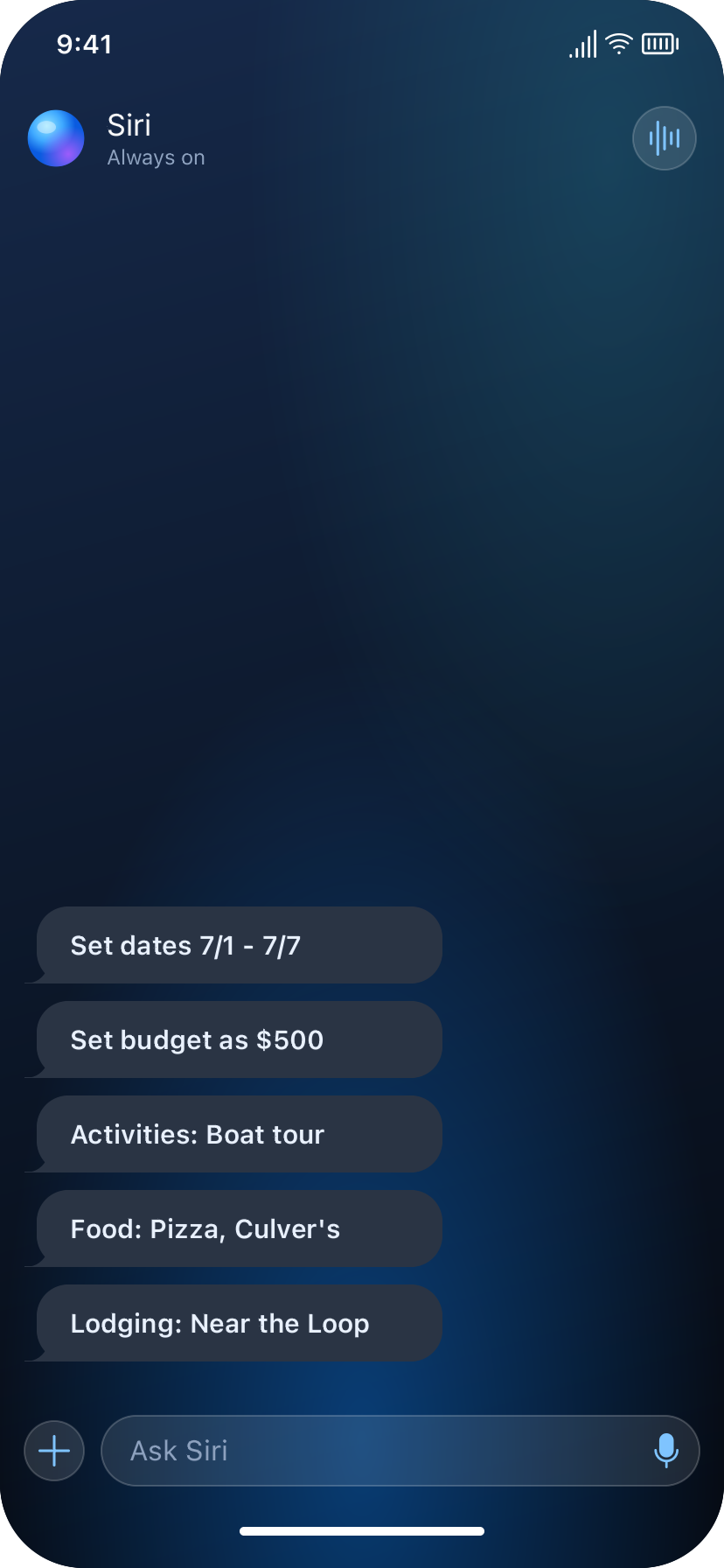
- Information gathering: Dates → Budget → Preferences (activities, food, lodging), each with an optional data-access offer (calendar, bank) or manual entry fallback
- Delegation to sub-agents: Planning Agent coordinates Flight, Lodging, and Activity/Food sub-agents in parallel
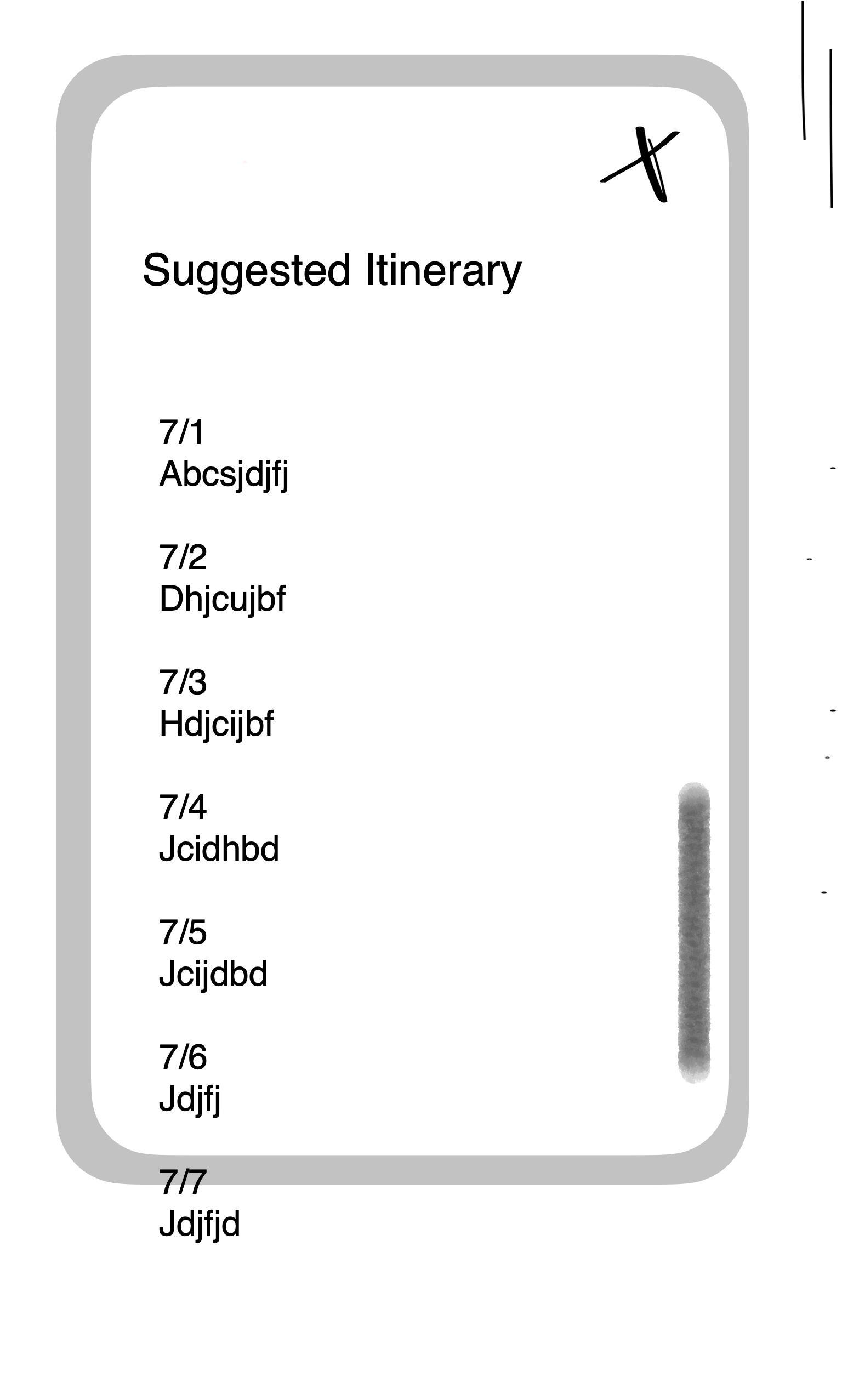
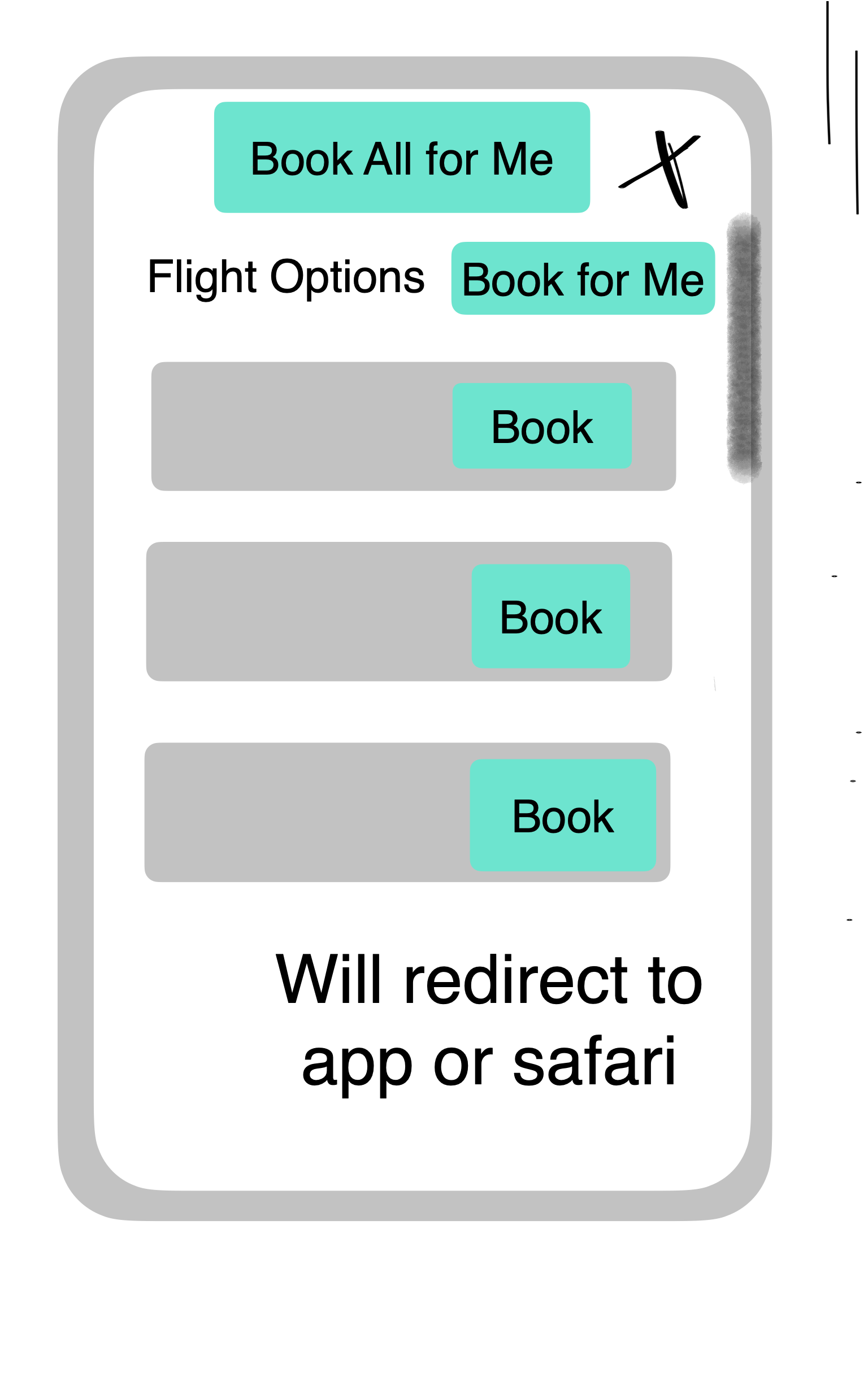
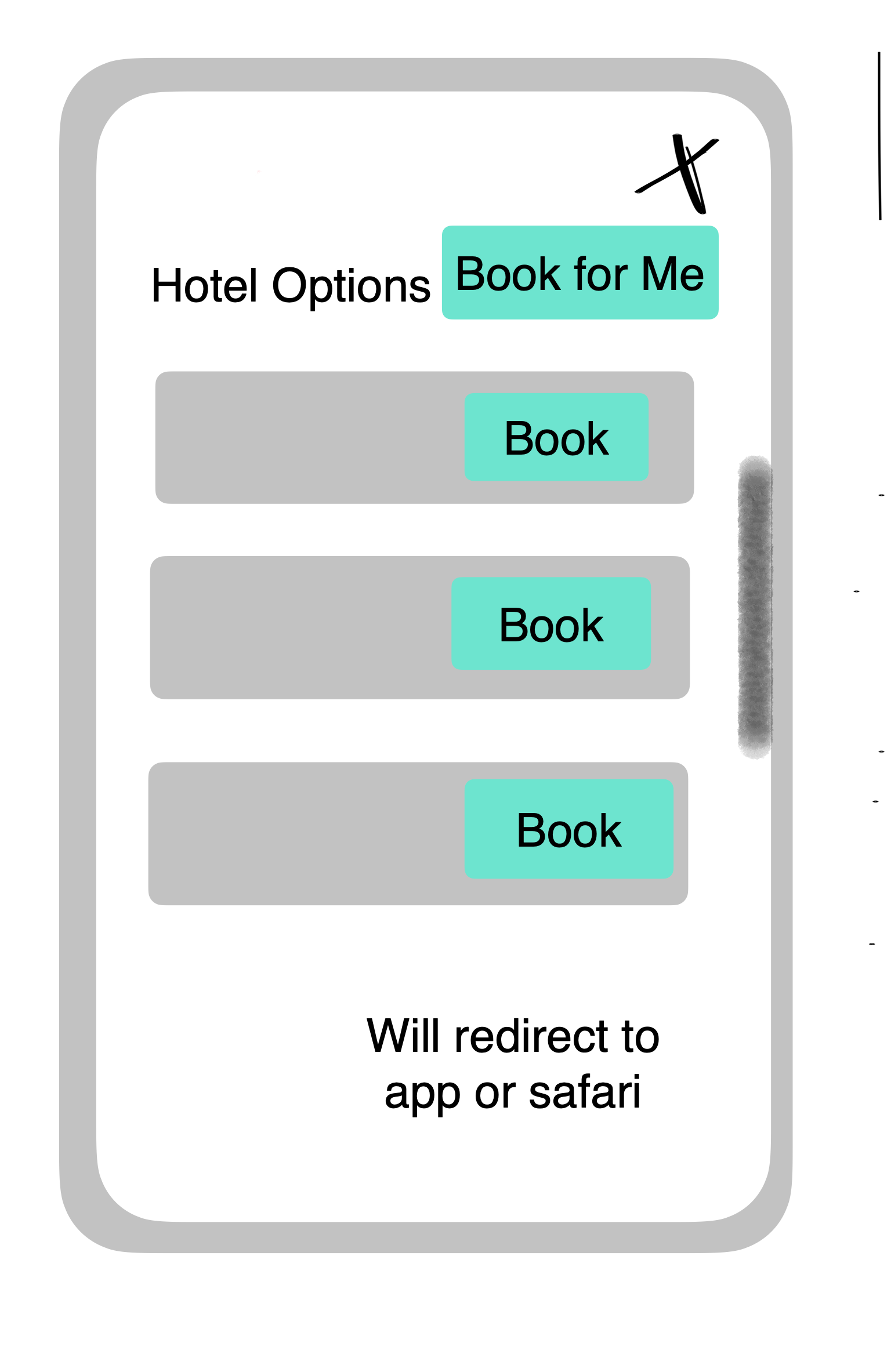
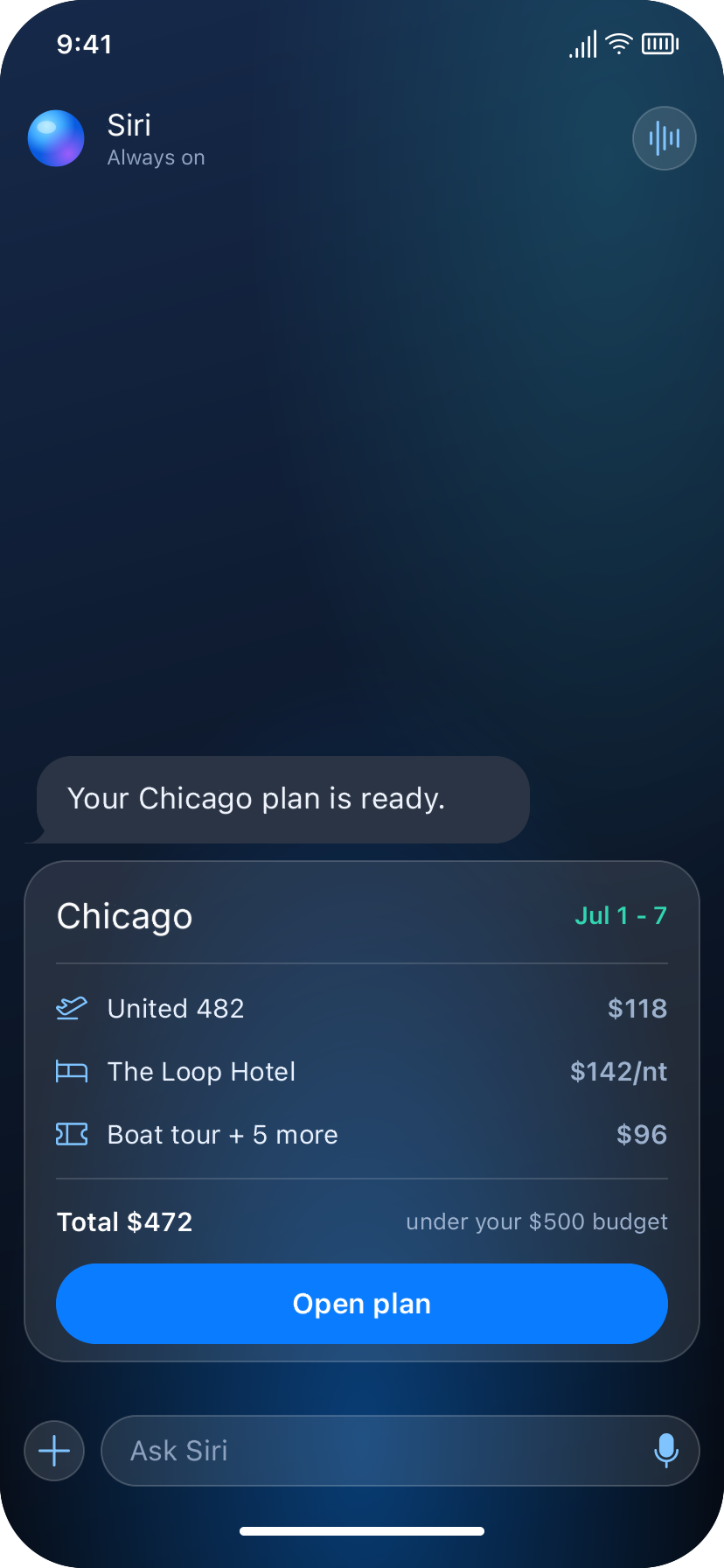
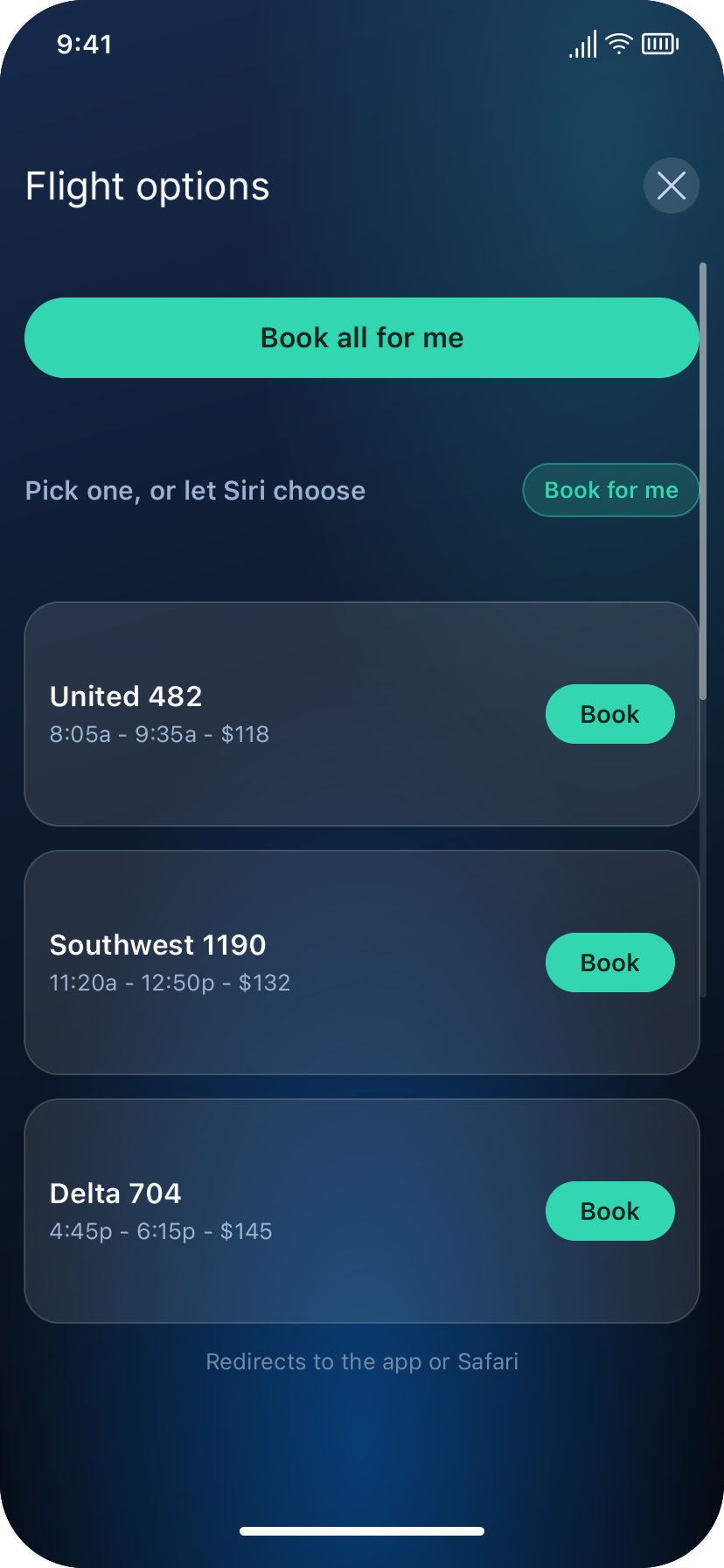
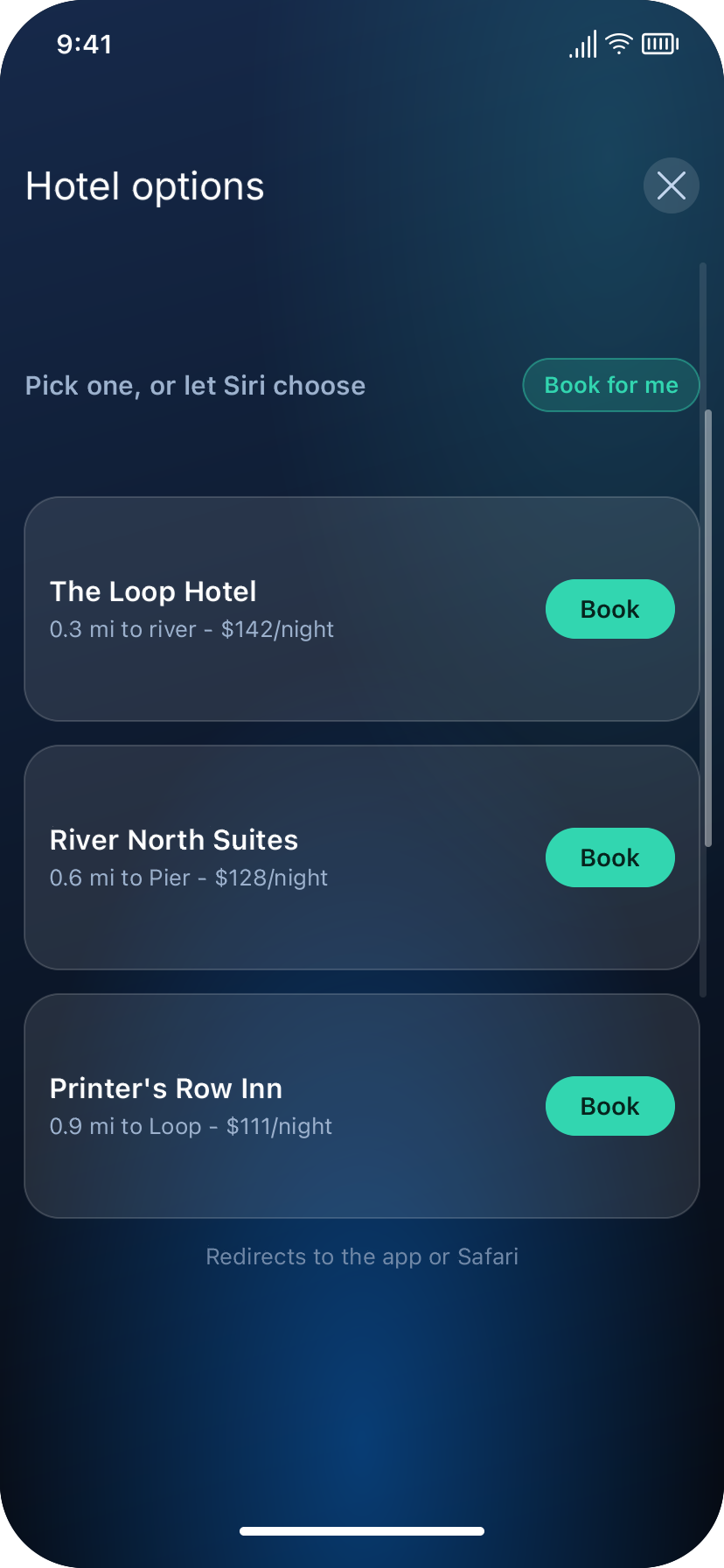
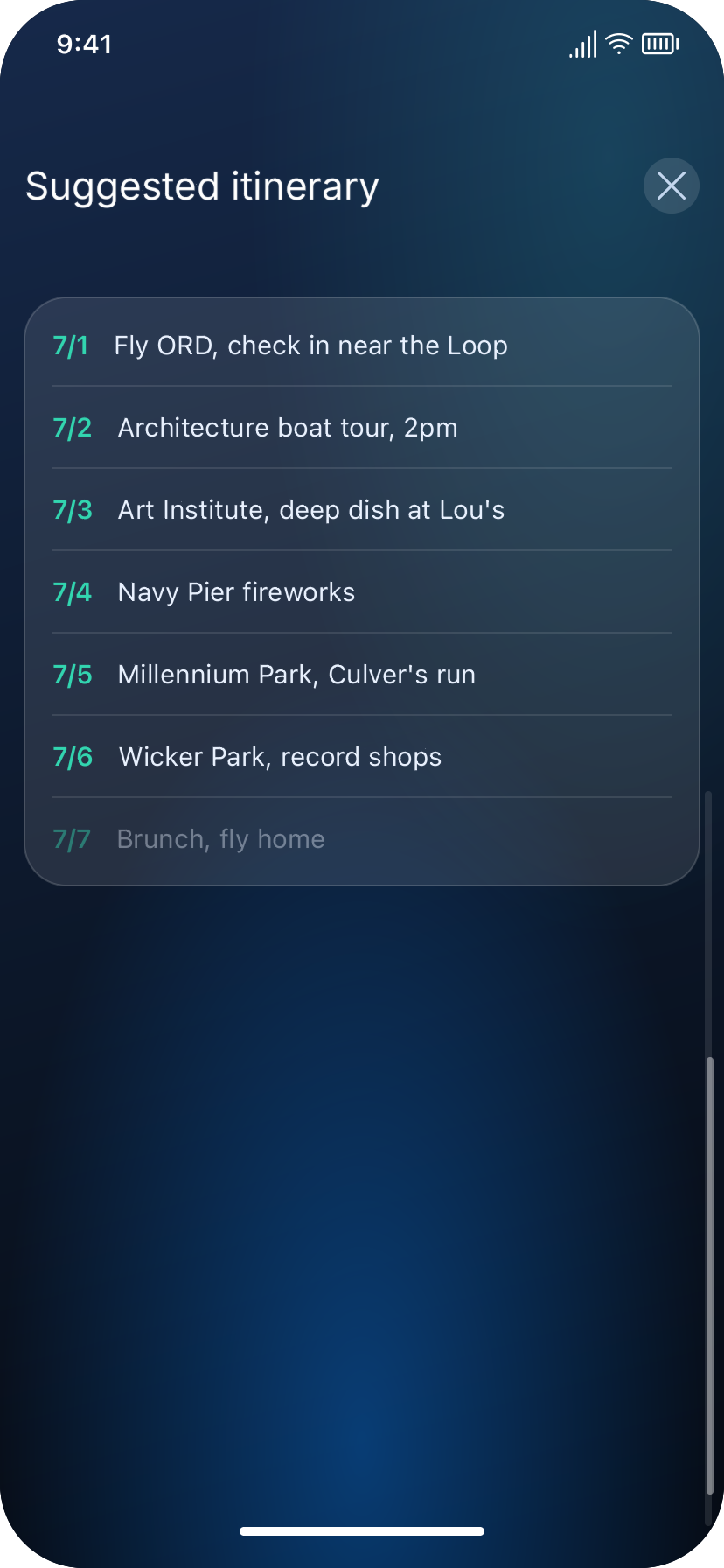
- Review and confirm: Suggested itinerary + per-category booking options ("Book" per item) + single "Book All for Me"
- Action execution: Confirmed bookings redirect to the relevant app or Safari, requiring user input of their information. Upon individual task completion, agent will execute the next one in the same manner until goal completion.
Example Flow 2: In-App Task Guidance (Jasper)
Maps to the general flow above:
- Task statement: "Help me sell some shares in Fidelity"
- Planning: Agent maps the goal to a concrete in-app action plan.
- Permission checkpoints: Agent requests whatever access is needed to act view the Fidelity app
- Plan execution: Agent presents plan to user. Upon receiving permission, agent performs the action directly, prompting for confirmation before the trade executes.
Functional Requirements
- The agent must be invocable via a lightweight gesture without requiring app navigation
- The agent must accept a task stated in natural language, without the user specifying which apps or steps are required
- The agent must decompose a stated goal into an ordered sequence of concrete actions across one or more apps
- The agent must identify what information or data access it needs to fulfill the goal, and request it from the user sequentially
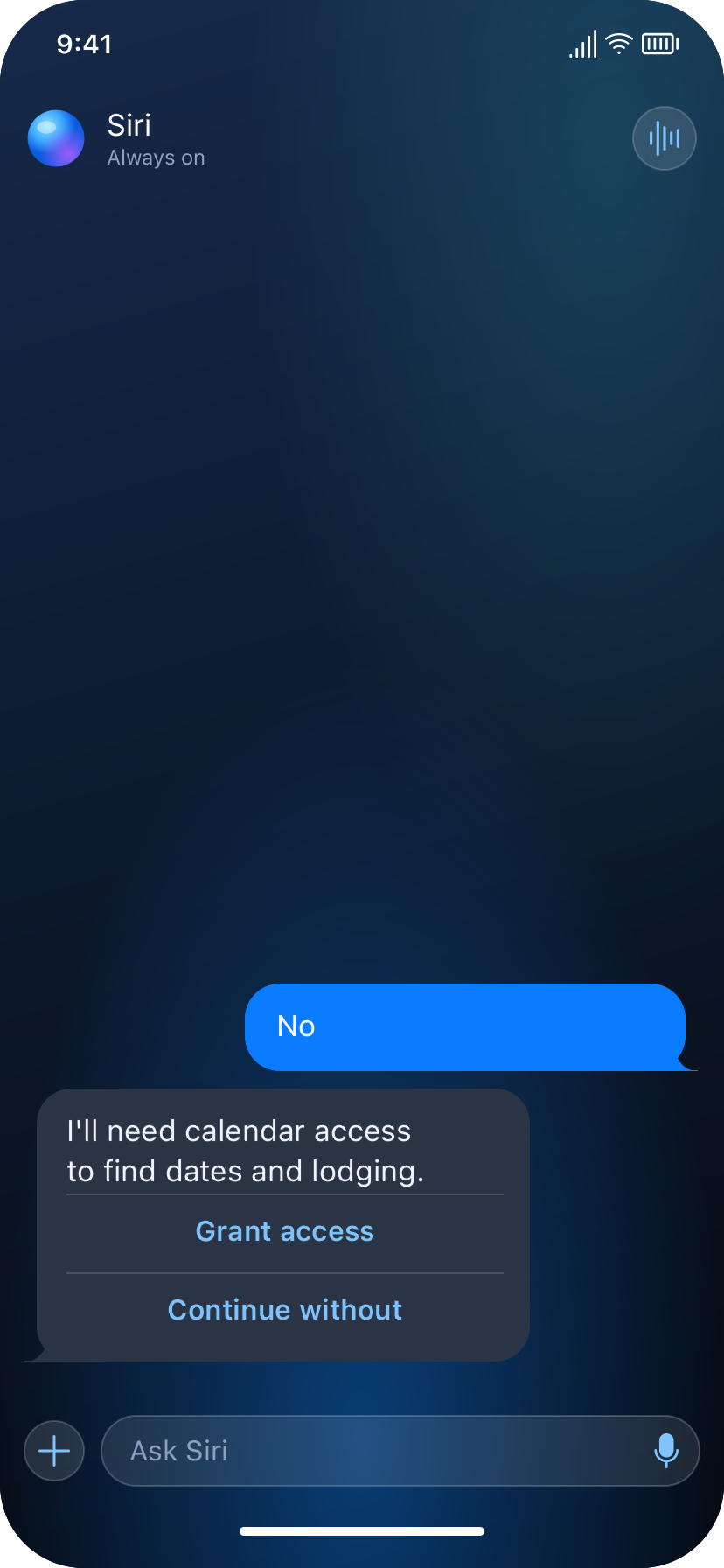
- For each data-access request, the user must be able to grant or decline; declining must not block task completion — the agent must fall back to manual input
- The agent must be able to delegate sub-tasks to parallel sub-agents/processes and surface visible progress to the user (not a silent wait state)
- Before any action with real-world consequence (purchase, transaction, irreversible change) is executed, the agent must present the plan to the user and obtain explicit confirmation
- The user must be able to approve actions individually (per category/item) or collectively (all at once)
- Where an action requires sensitive user input that the agent does not hold on the user's behalf, the agent must hand off to the relevant app/browser for the user to complete that step directly
- The user must be able to exit the agent flow at any point and resume later without losing prior progress (state persistence)
Non-Functional Requirements
- Permissions are scoped and revocable — any data or app access granted to the agent must be specific to what's needed for the stated task, and revocable by the user at any time (not a one-time blanket grant)
- No autonomous execution of high-stakes actions — this is a permanent behavioral boundary, not a v1 limitation (ties to Non-Goals)
- Backward compatibility — enabling the agent must not alter or restrict existing single-app functionality for users who opt out (Lola's persona)
- Transparency of agent state — at every step, the user must be able to see what the agent is doing or has done (progress states, not a black box) — supports trust metric from Goals
- Graceful degradation, with required-input transparency — if a data source is unavailable or access is declined, the agent must continue the task with reduced automation where the missing information is optional; if the missing information is essential to completing the task, the agent must clearly tell the user what's required and why, rather than silently failing or proceeding with an invalid plan
Edge Cases
- Required information is unavailable or declined — e.g., user declines calendar access and won't provide dates manually either → agent cannot proceed with that sub-task; must clearly state what's blocking completion (per Requirement #5)
- No options satisfy stated constraints — e.g., no flights fit the stated budget → agent surfaces the specific failed constraint (budget) rather than silently dropping the flight step or presenting an incomplete itinerary as final (per Requirement #11)
- Partial permission grants — user grants calendar access but declines bank access → agent must handle mixed-permission states gracefully, not treat it as all-or-nothing
- User exits mid-flow before any inputs are gathered — does the agent discard the task entirely, or retain the initial task statement for a possible later resume?
- User changes their mind mid-review — e.g., user rejects the suggested itinerary after seeing it — does the agent replan from scratch, or allow targeted edits to one category (e.g., "find different lodging, keep everything else")?
- Conflicting information across sources — e.g., calendar shows the user is busy on their stated travel dates — does the agent flag the conflict, or defer entirely to what the user explicitly stated?
- Action fails after user confirmation — e.g., user approves a flight booking, but by the time the agent executes, the price/availability has changed — how is this discrepancy communicated?
- Sensitive or irreversible actions with ambiguous risk level — e.g., Jasper's stock sale: is a single trade always treated as high-stakes (always requires confirmation), or does that depend on trade size? Worth defining a threshold or defaulting to "always confirm" for financial actions.
Dependencies
- Third-party app/MCP cooperation — Conductor's ability to act within apps (Fidelity, airline sites, etc.) depends on those apps exposing actionable APIs or supporting some form of agent-accessible integration; apps with no such support limit the agent to guidance-only (Jasper-style) rather than direct action
- System-level permissions infrastructure — calendar, financial account, and app-action access depend on iOS providing granular, revocable permission scopes for agent-mediated access, beyond what exists for standard app permissions today
- Siri/agent reliability — the entire experience depends on the underlying agent's ability to correctly interpret natural-language goals and decompose them accurately; misinterpretation directly undermines the core value proposition (reduced coordination tax)
Risks
- Trust erosion from incorrect actions — if the agent books the wrong thing or misreads a constraint even occasionally, user trust may drop sharply, given the high-stakes nature of the actions involved (financial, travel)
- Permission fatigue — if too many individual permission requests are surfaced, users may reflexively decline access, undermining the automation the feature depends on
- Third-party resistance — apps/platforms may have incentive to resist agent-mediated actions that bypass their own UI (e.g., ad revenue, upsell opportunities lost if a booking flow is automated away)
- Scope ambiguity risk — since v1 targets "any multi-step task" rather than a fixed set, there's a risk of the product feeling inconsistent — reliable for well-integrated tasks (trip planning) but unreliable/guidance-only for others (Jasper's), which could confuse user expectations about what the agent can and can't do
Low-Fi Wireframes
Trip Planning (Emily)
01. Invocation and task statement

02. Dates and calendar permissions

03. Budget and bank permissions

04. Activity preferences
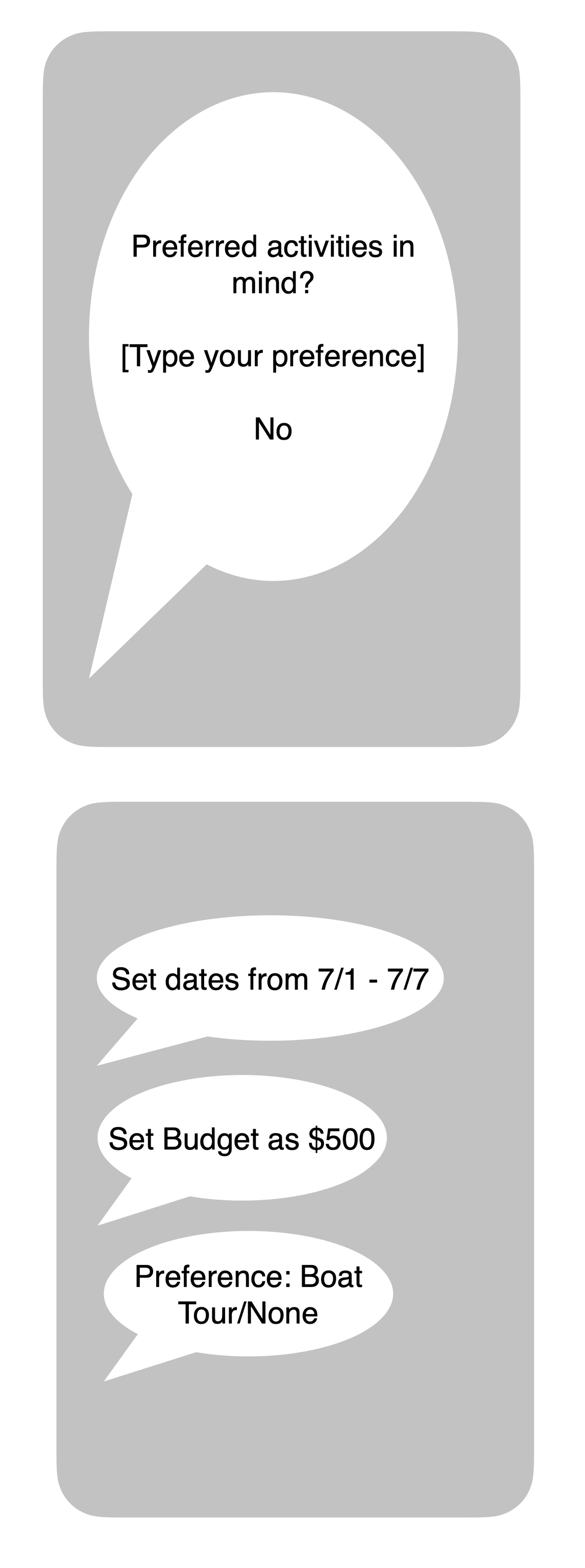
05. Food preferences
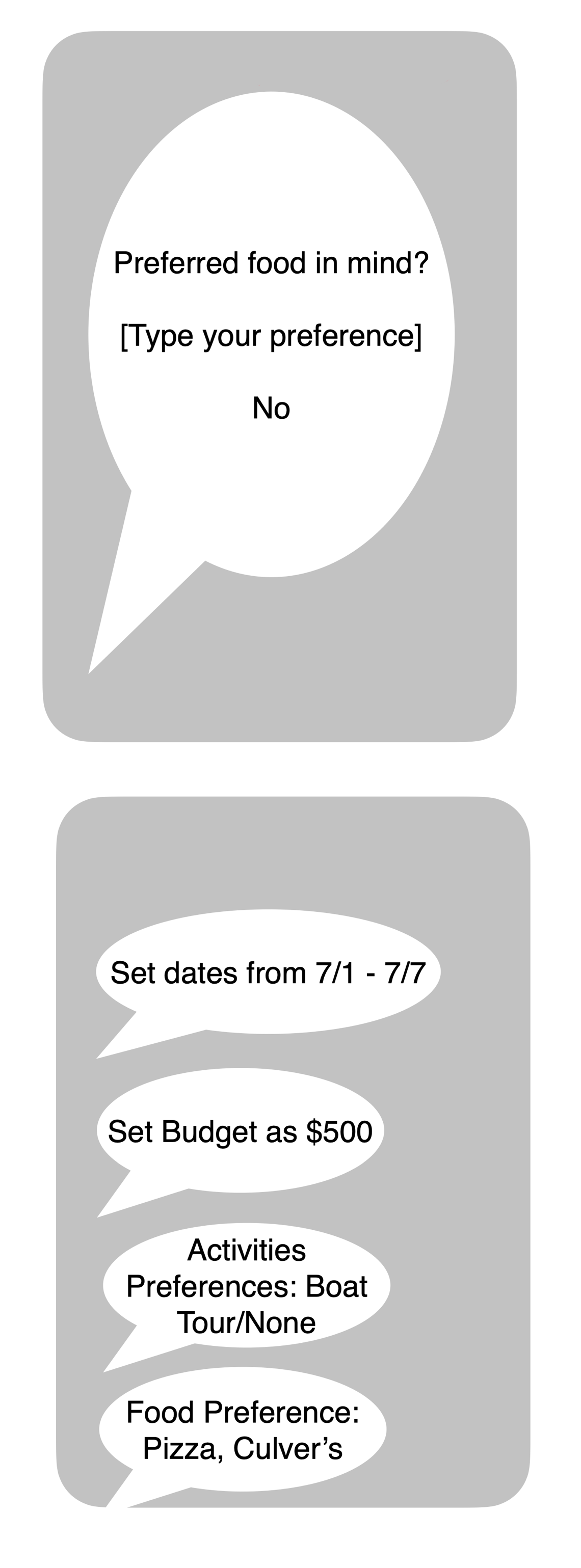
06. Lodging preferences and input summary
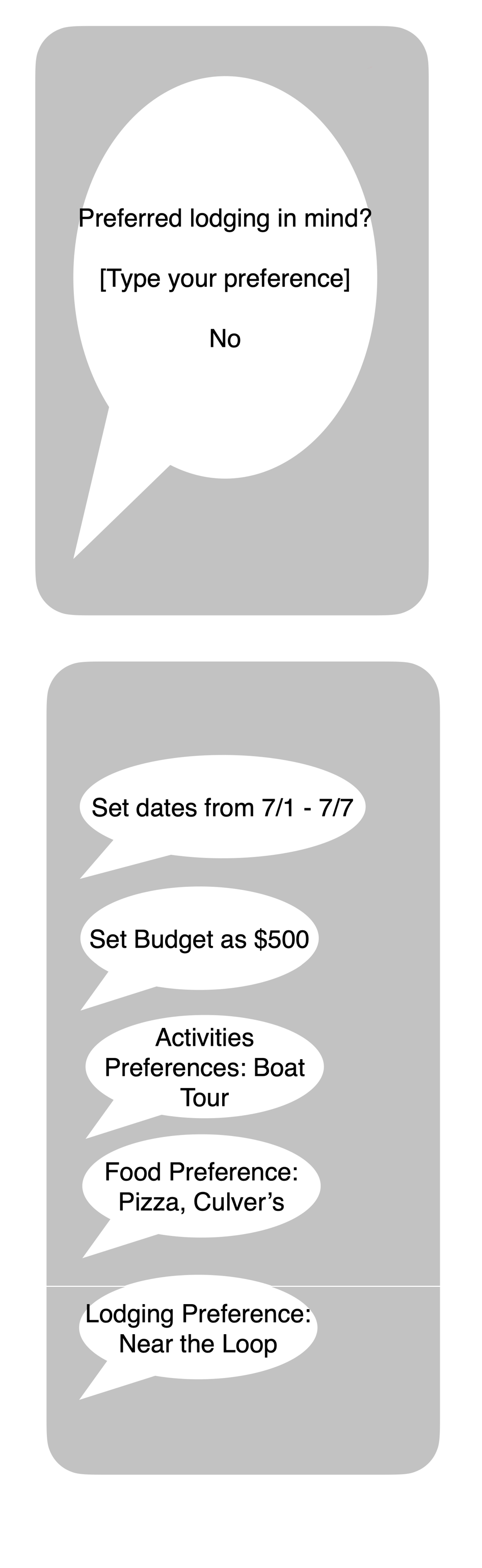
07. Sub-agent progress and swipe-back
08. Suggested itinerary
09. Flight booking and Book All for Me
10. Hotel booking and app handoff
High-Fi Designs
Siri Trip Flow
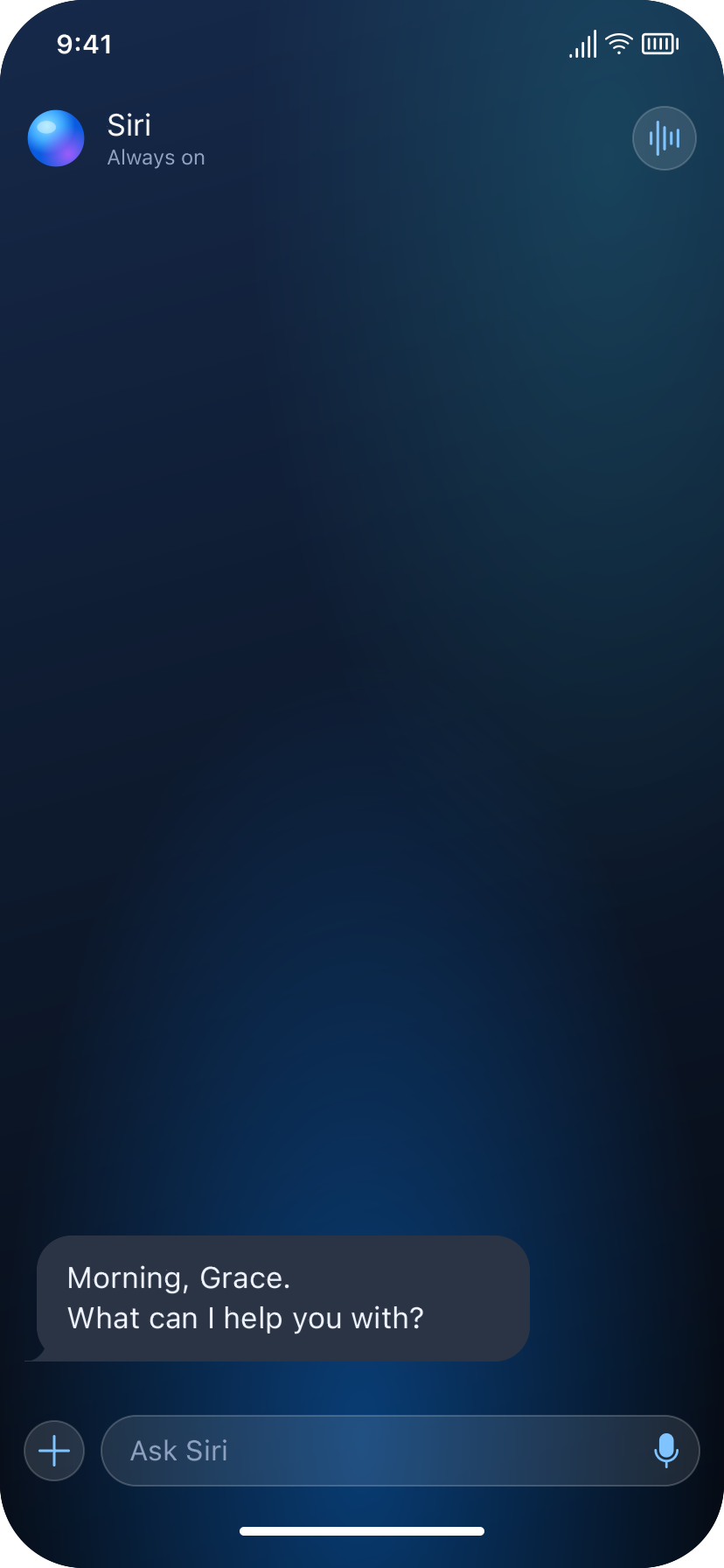
Entry

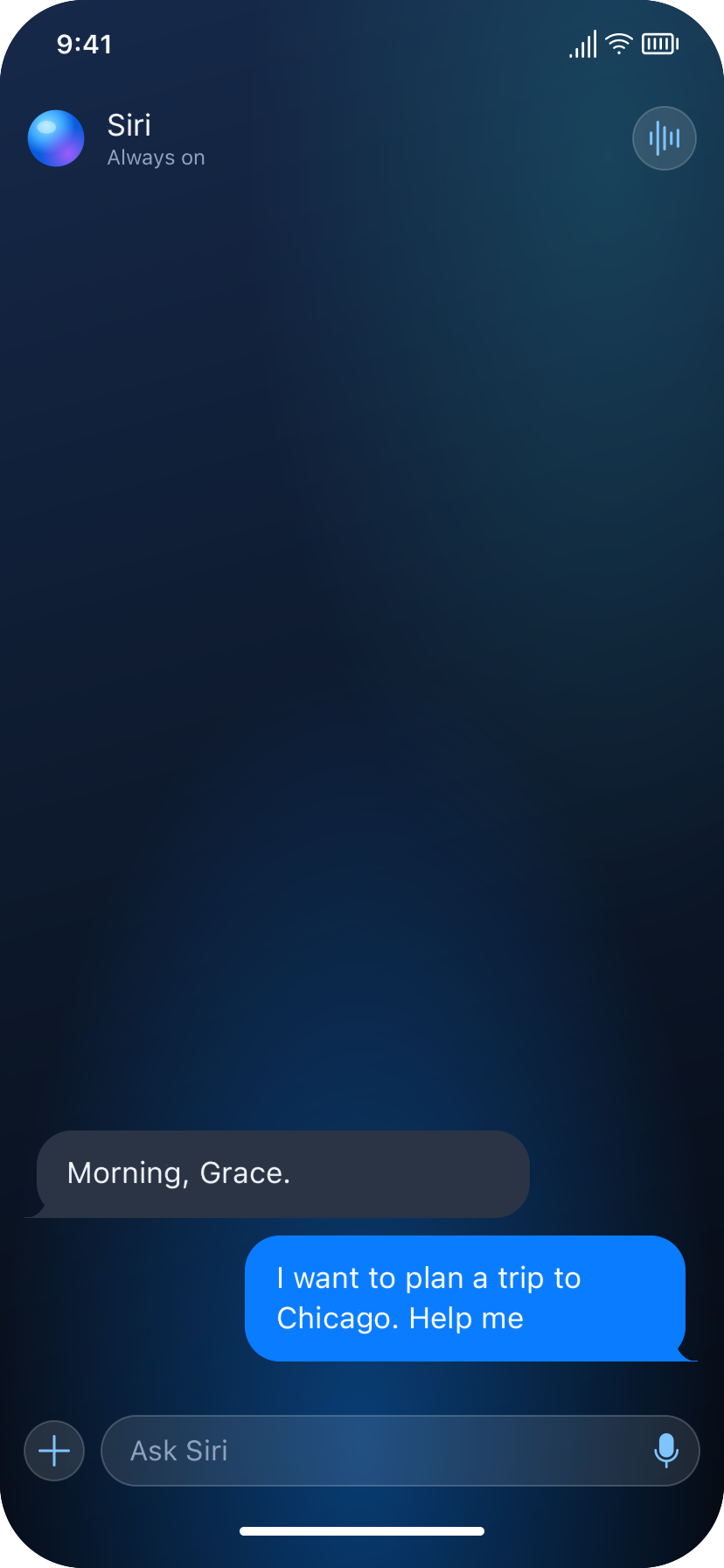
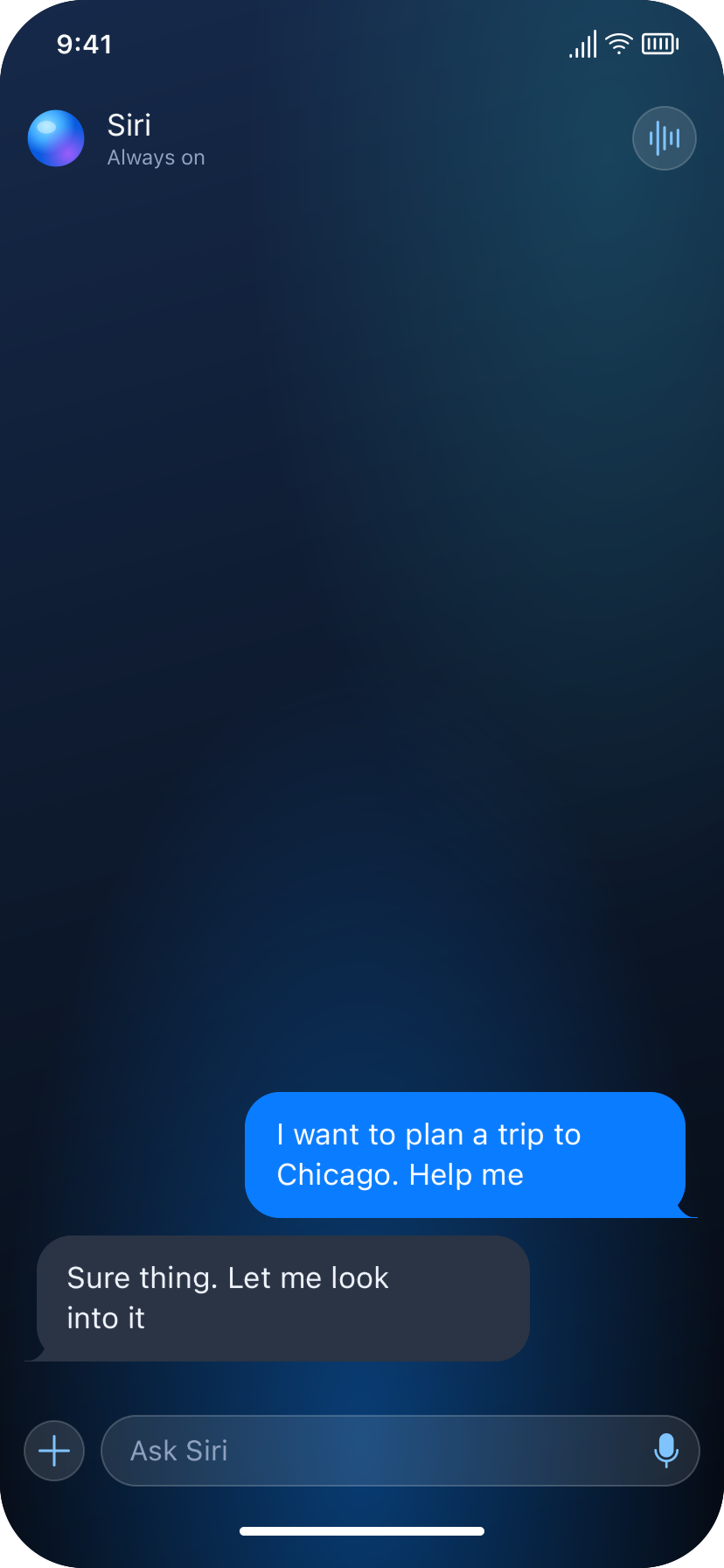
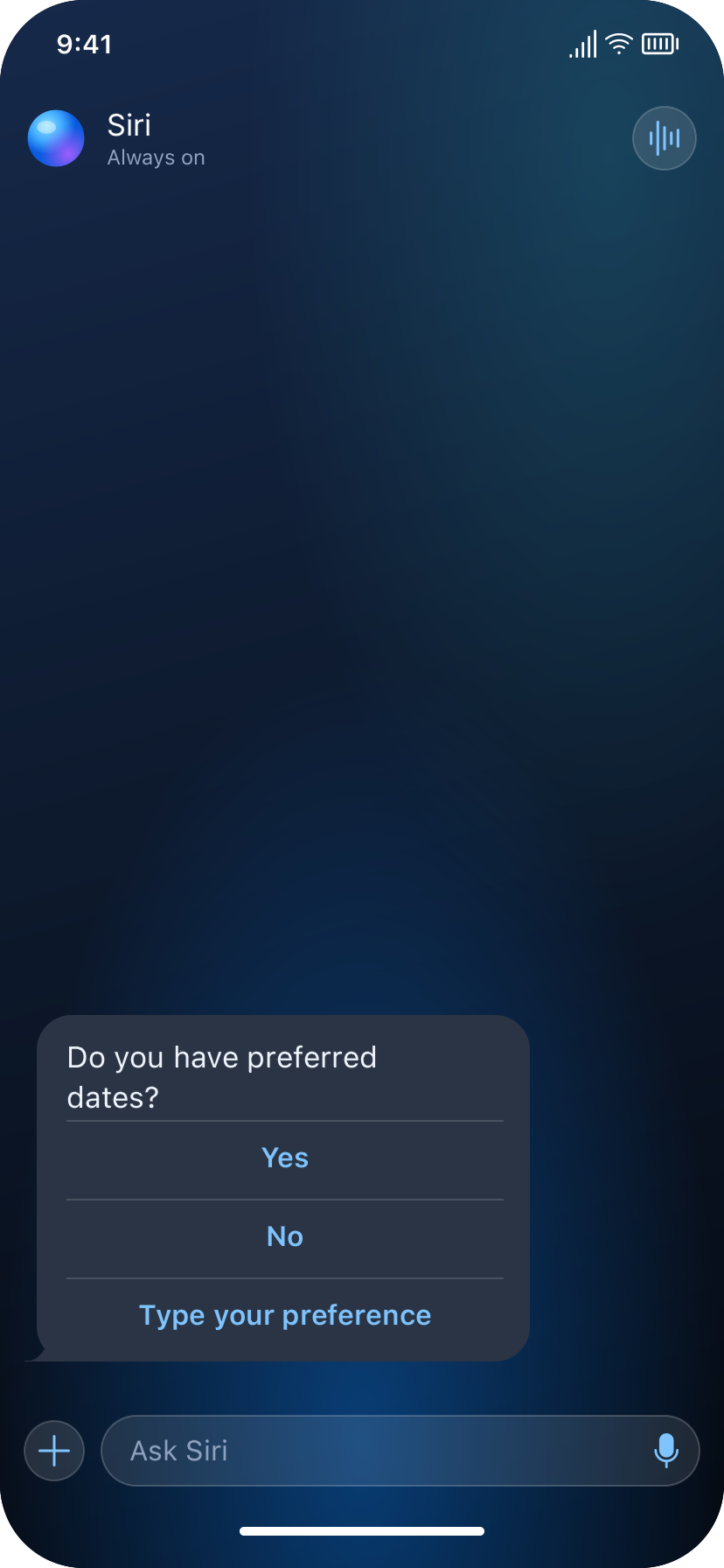
Dates - yes path
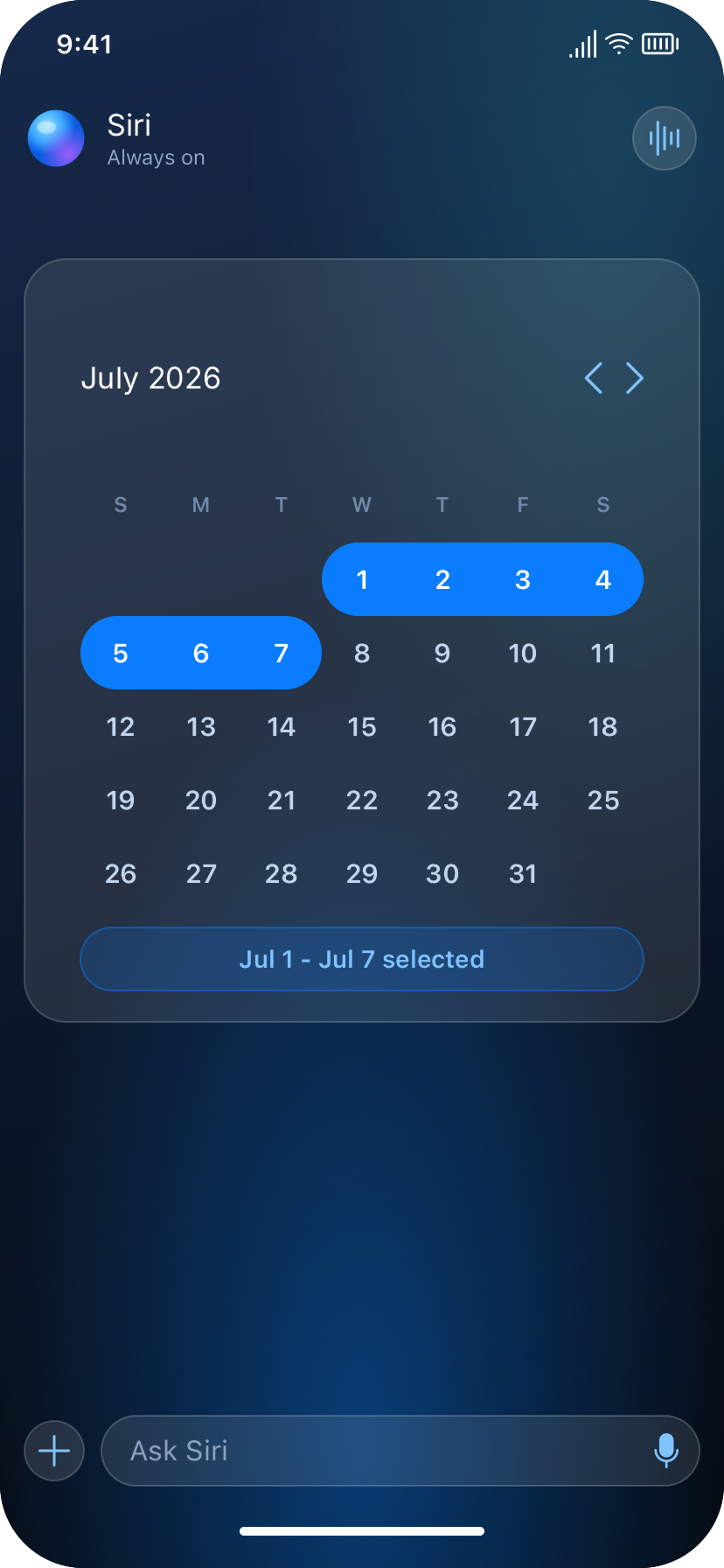
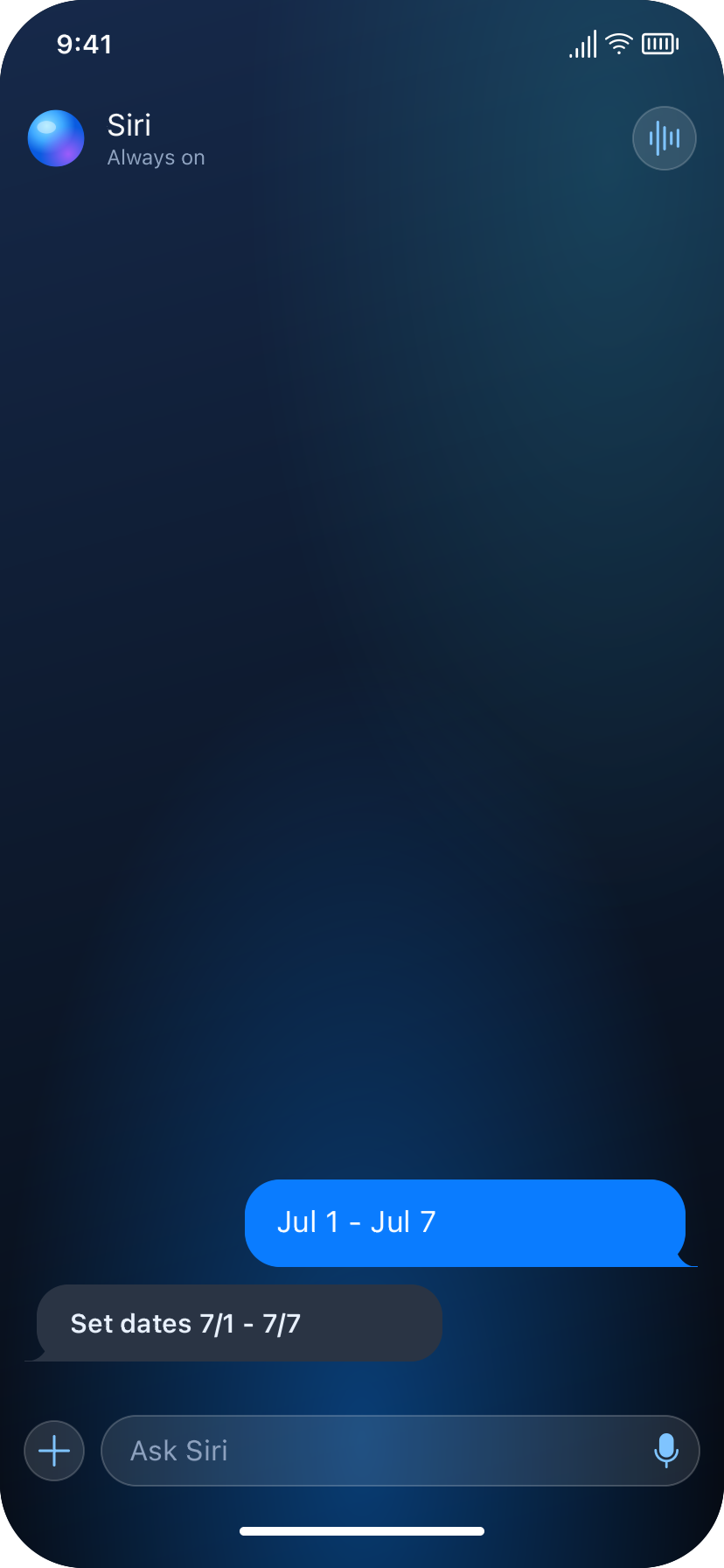
Dates - no path
Budget - yes path
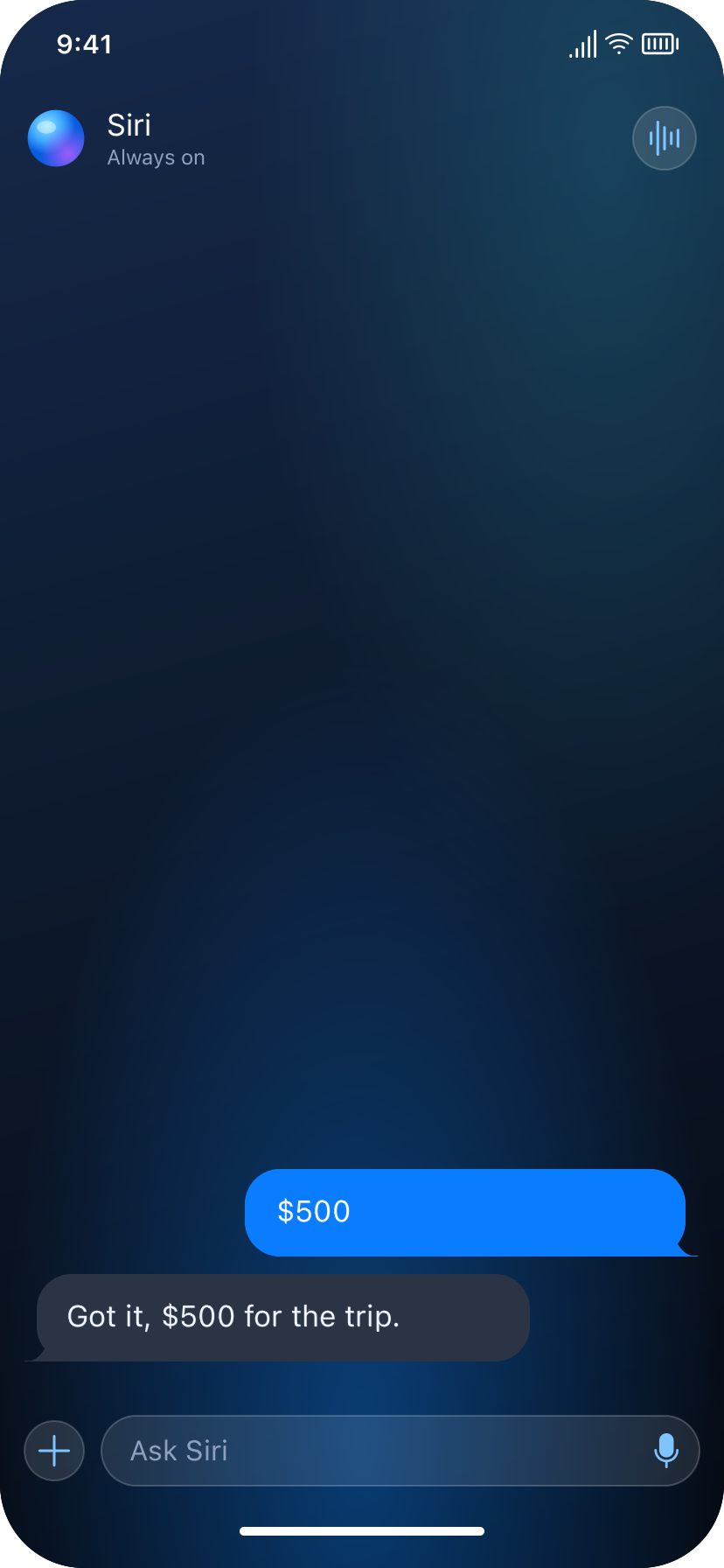
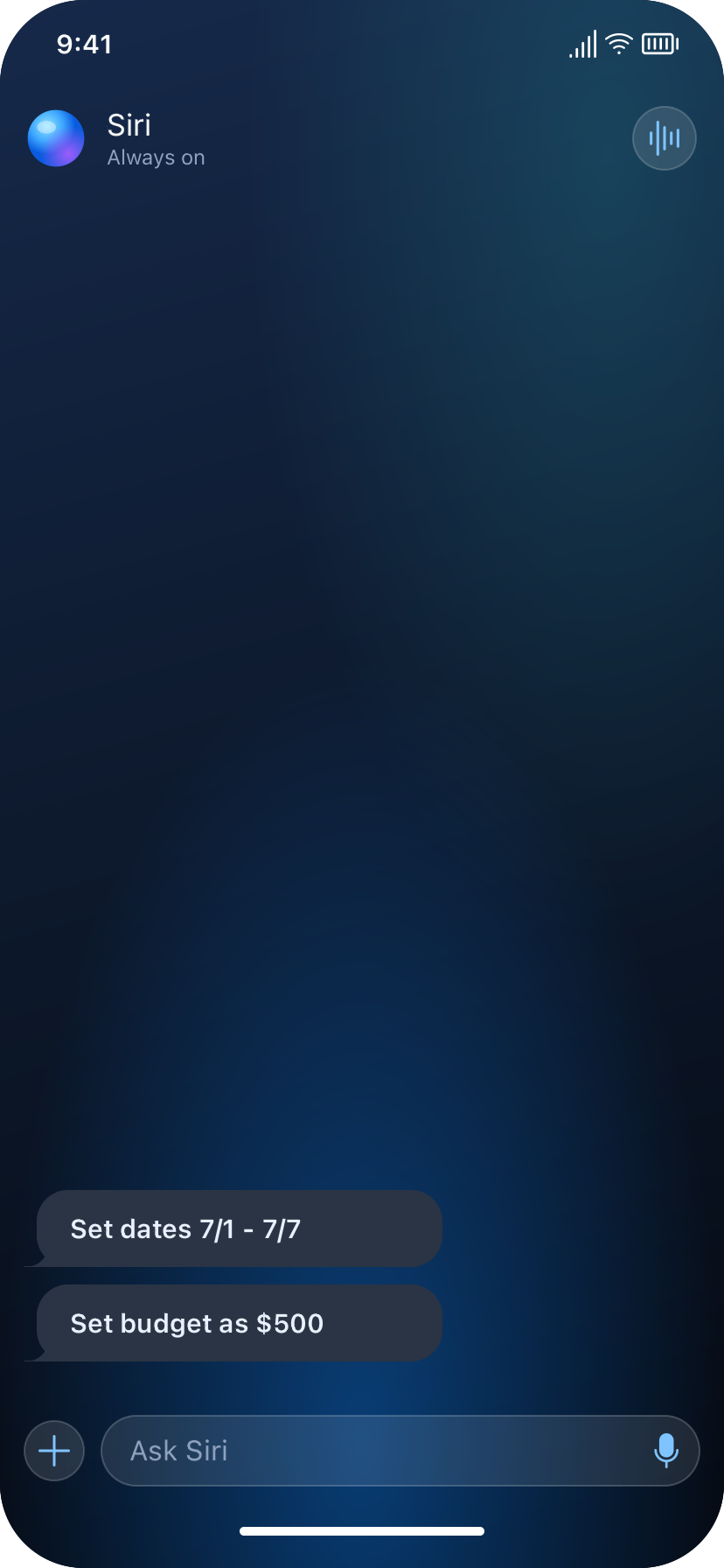
Budget - no path
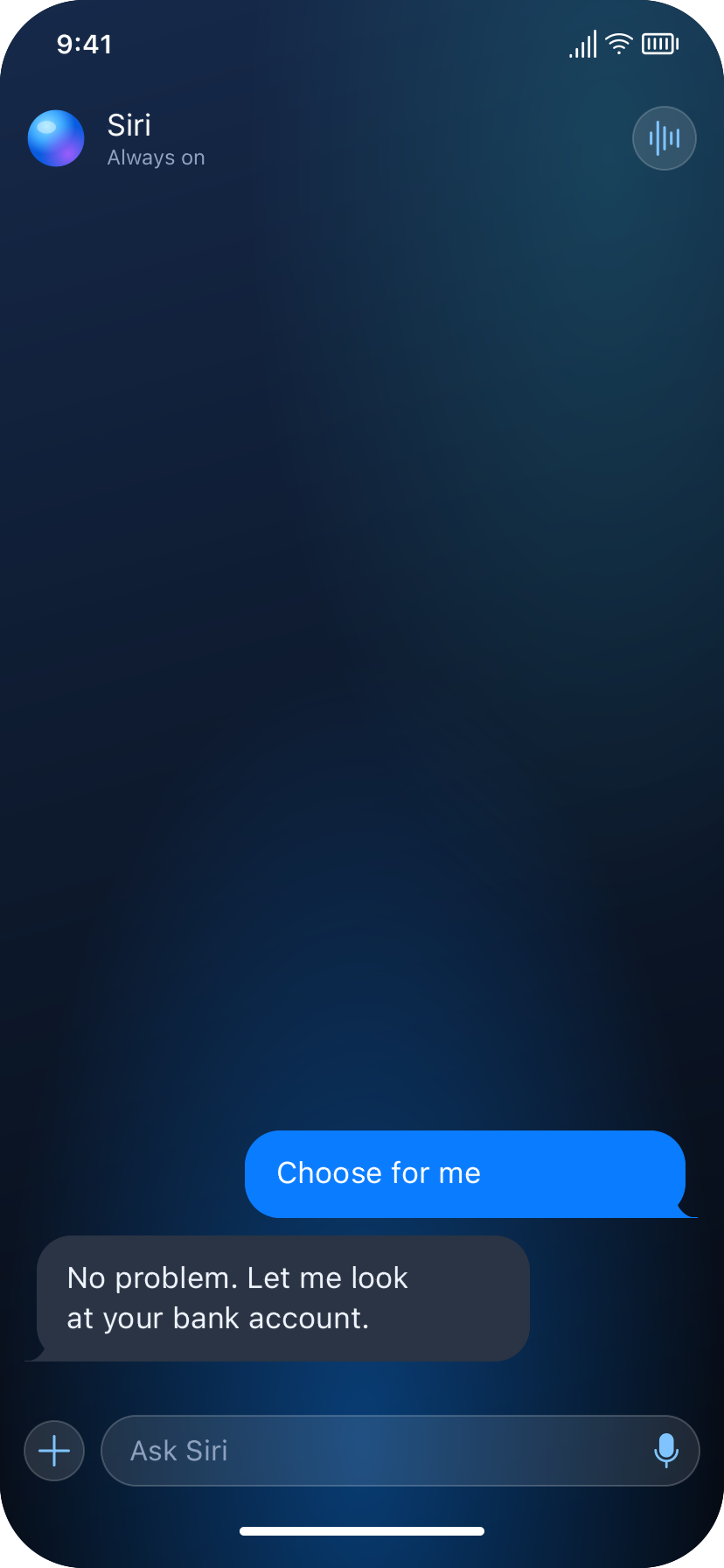
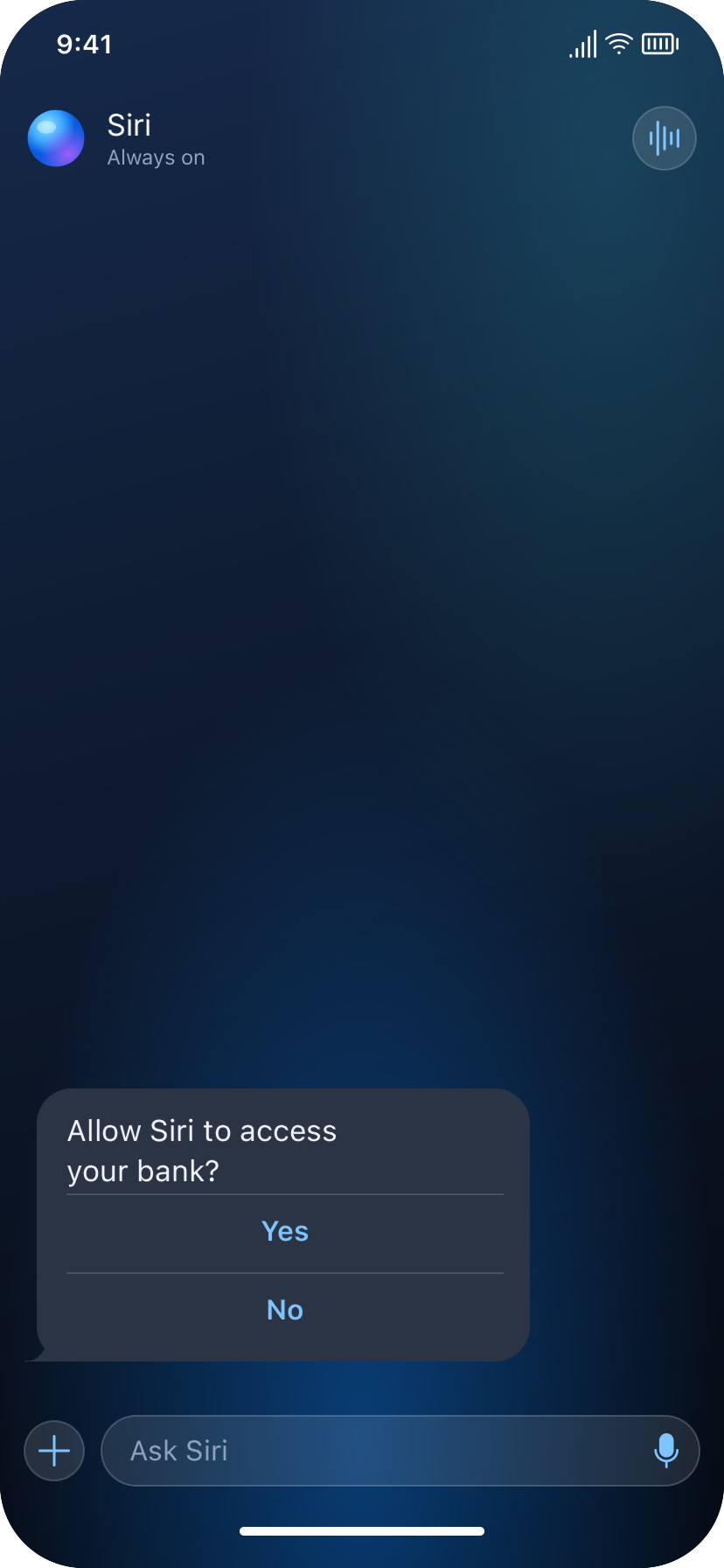
Activities
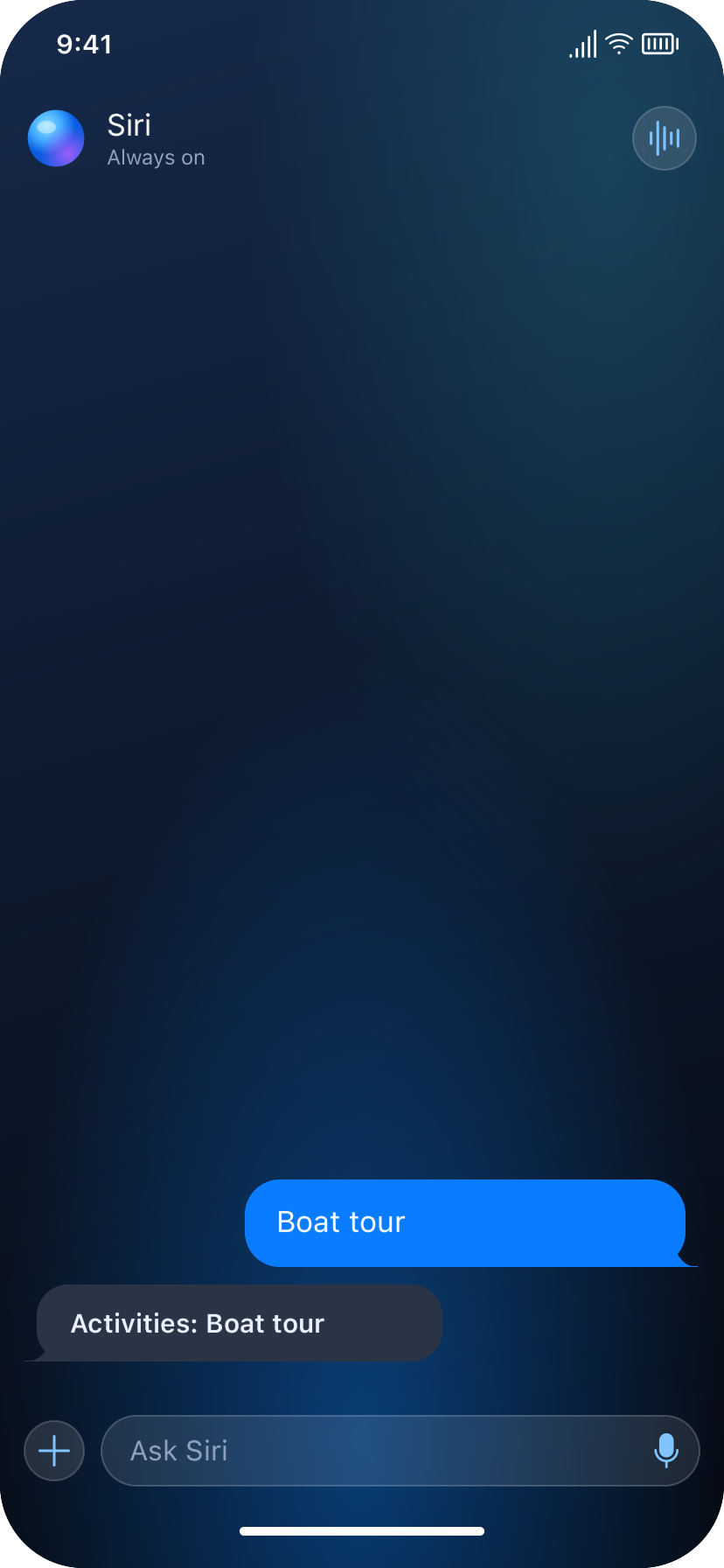
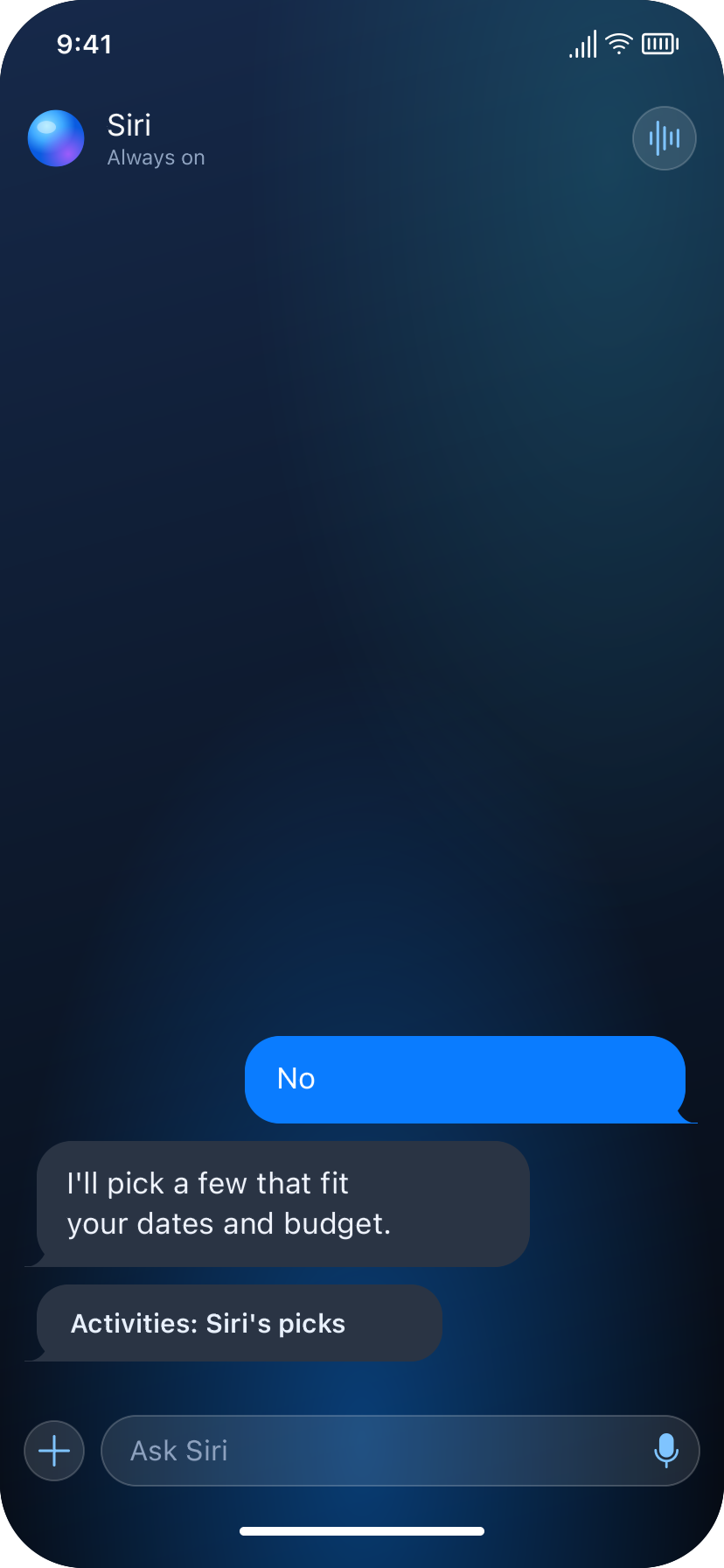
Food
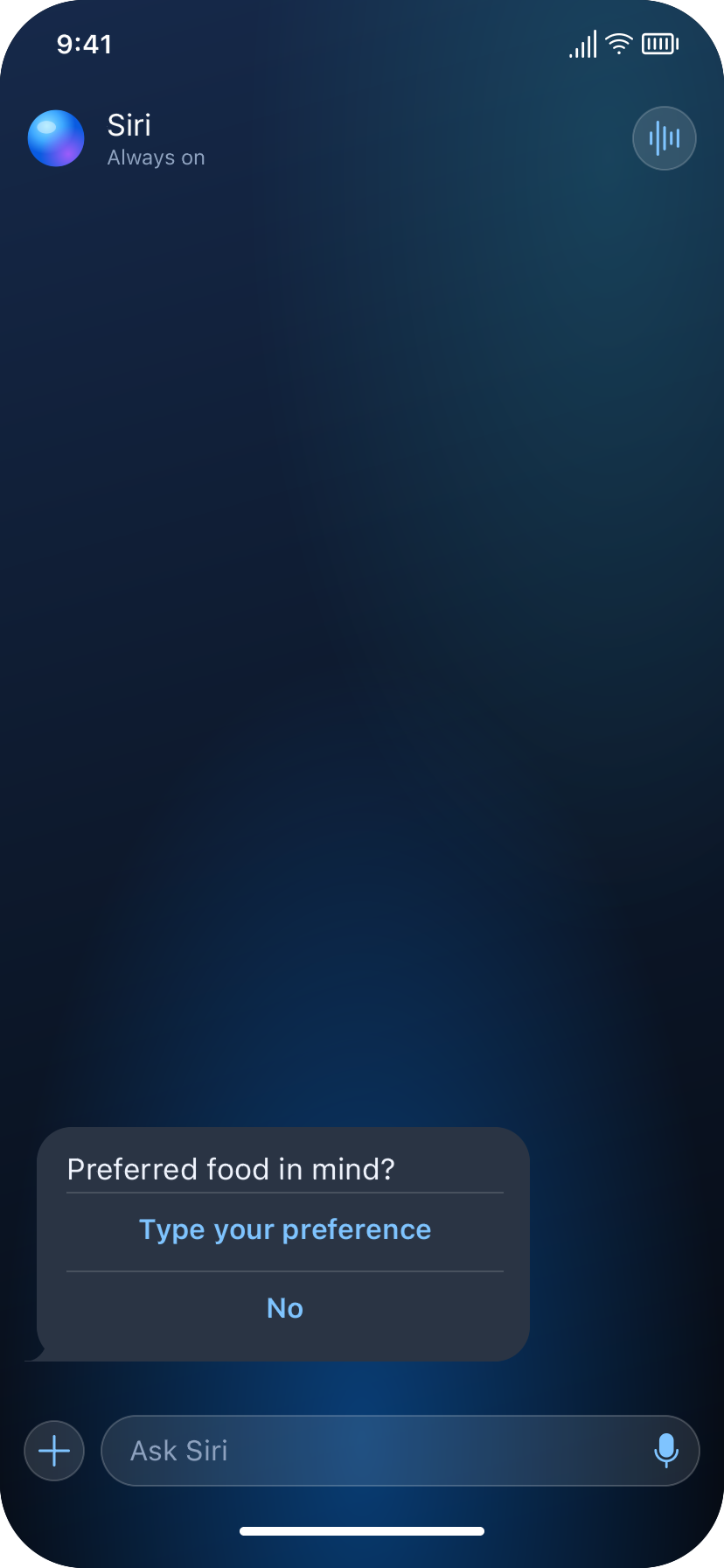
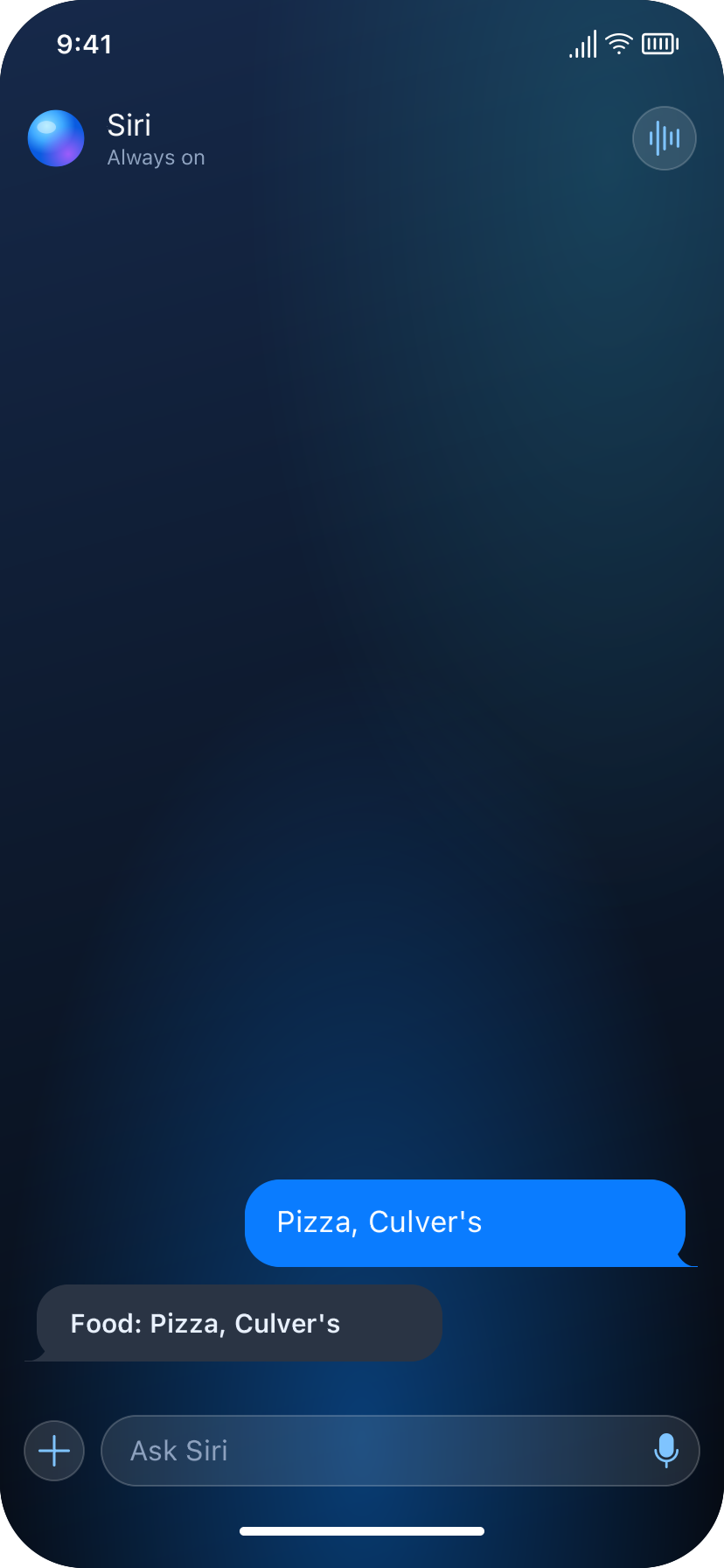
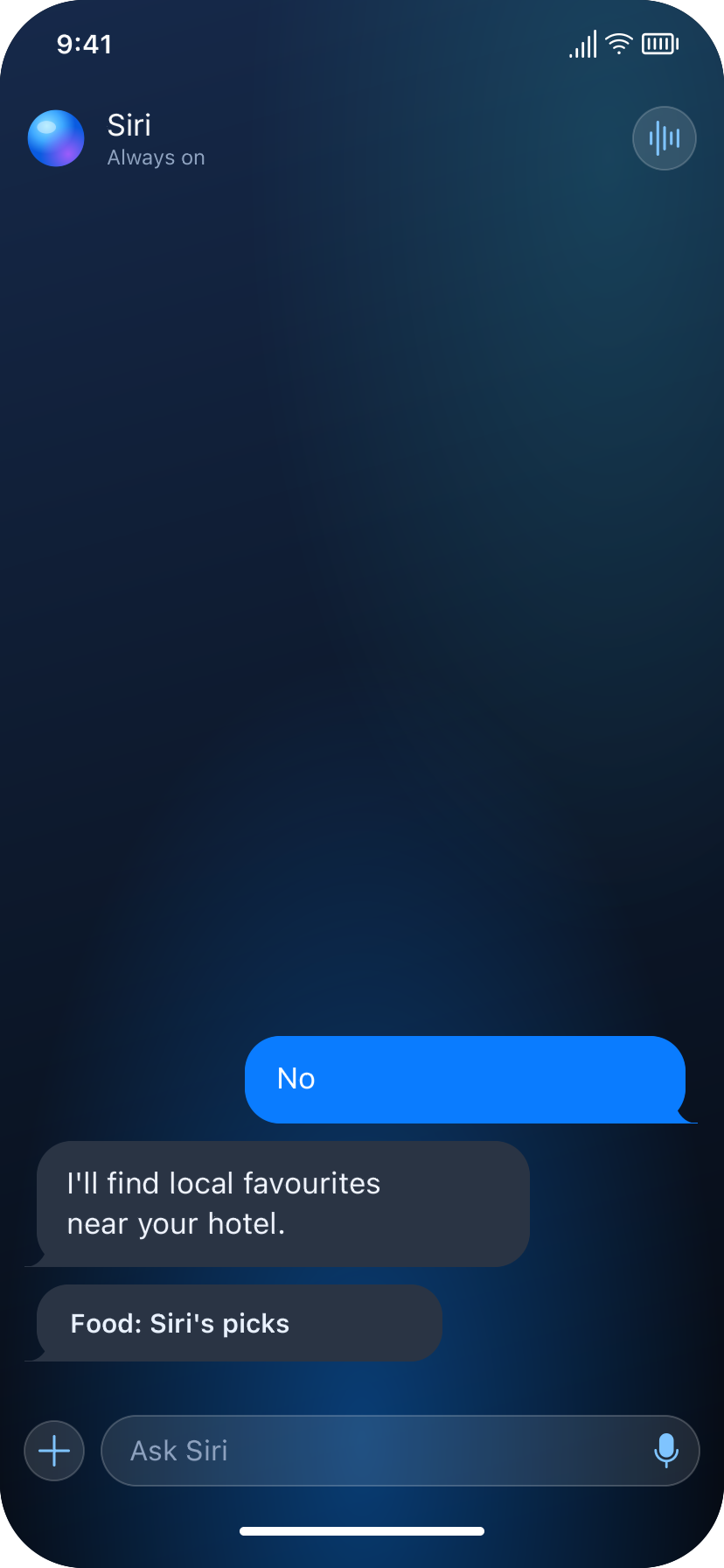
Lodging
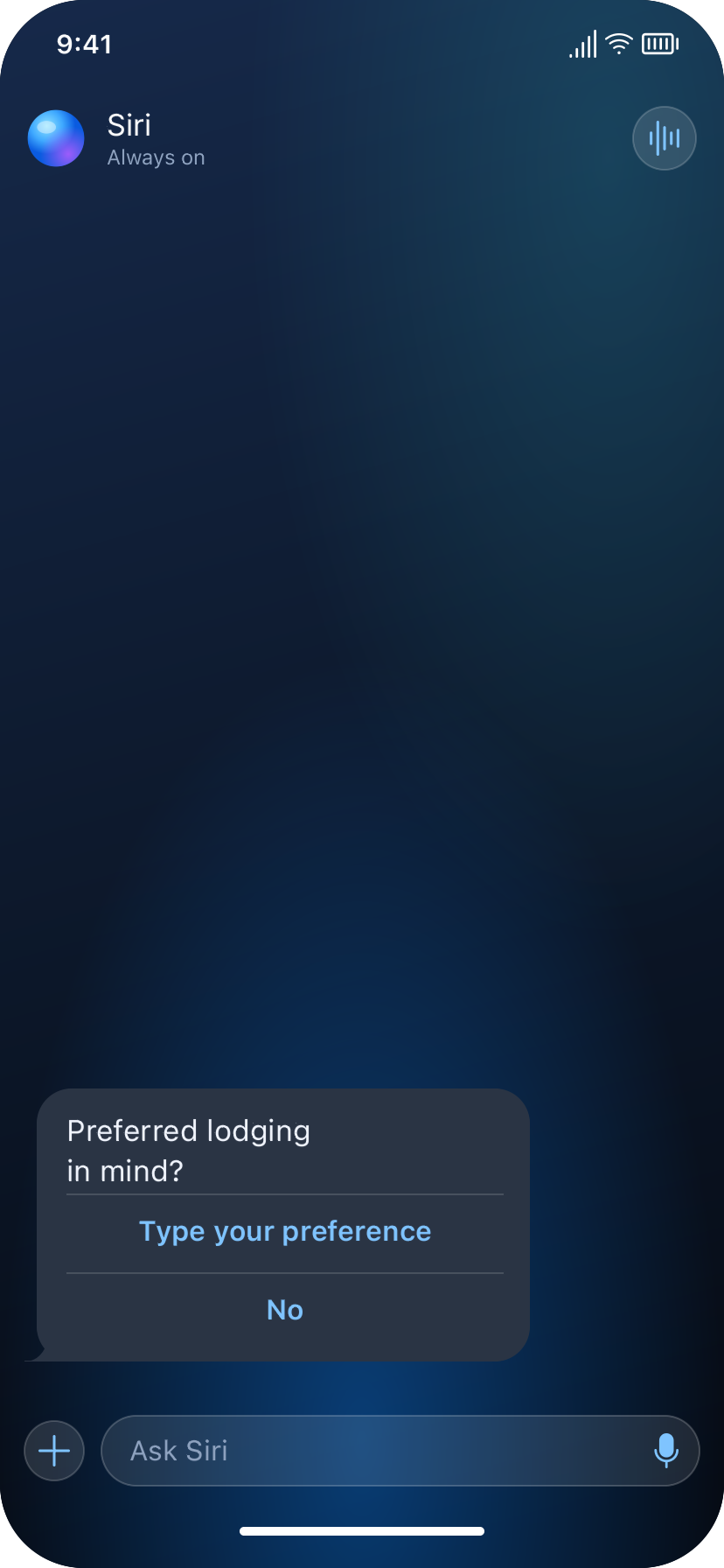
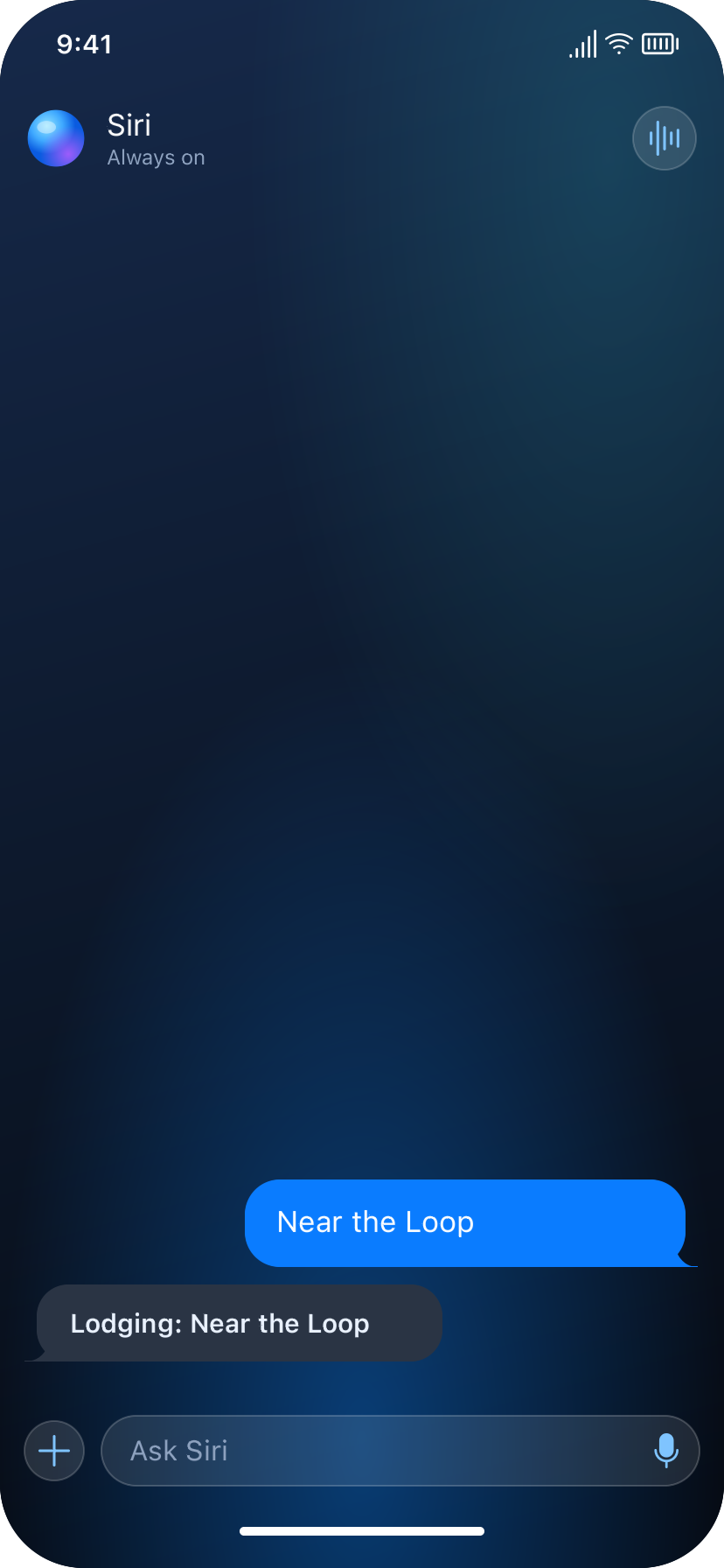
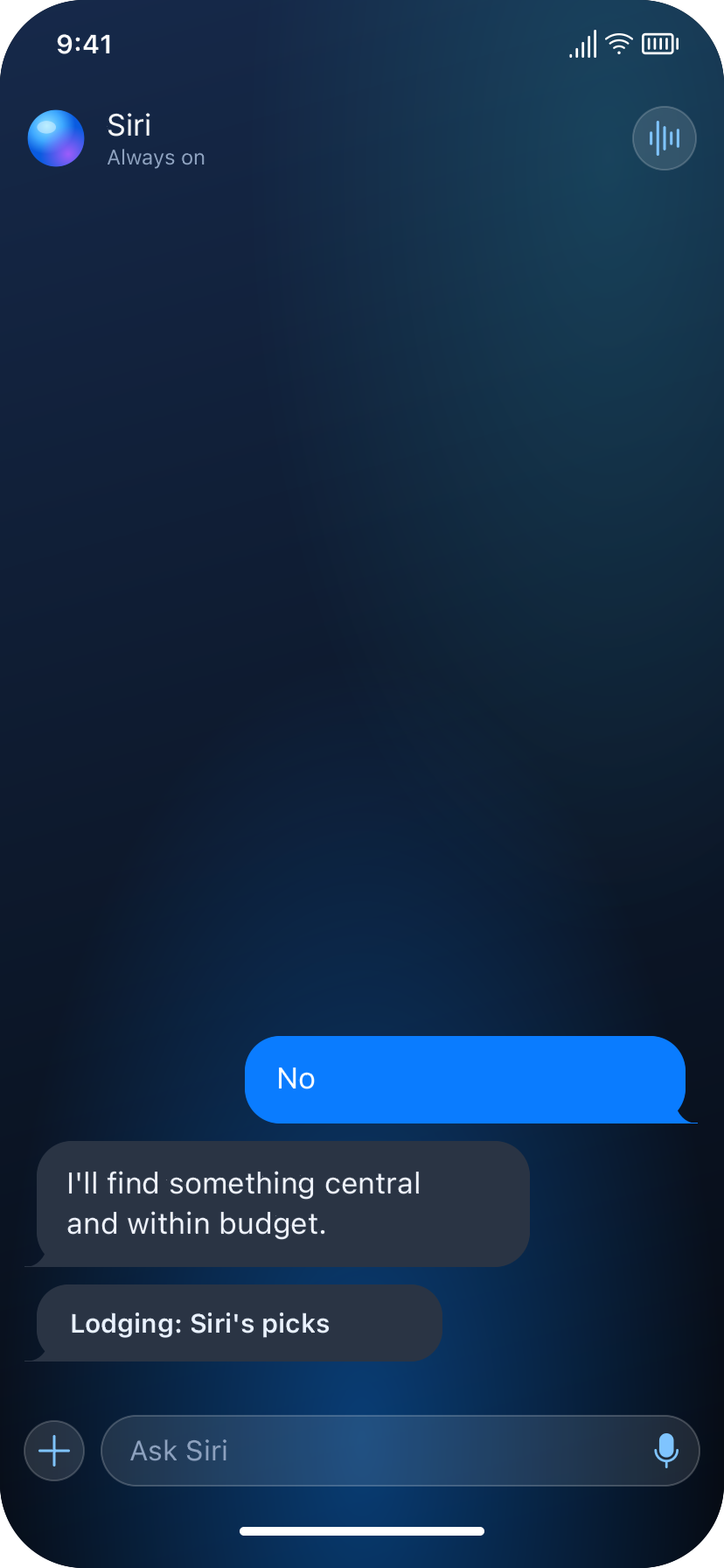
Plan and book
Interactive prototype
Type your own goal, answer preferences, and explore the calendar and trip plan directly below. The Home and Today controls let you try the swipe navigation too.
The live-AI prototype is being prepared for public access. The design screens above are available now.
Home and Today are simulated screens. Calendar, Bank, Maps, and booking offers use demo data; nothing is purchased or reserved.